From wheel to PDF
For astrologers
Style the wheel, choose calculation tables and add your own explanation. Create a presentation PDF with the supported branding options.
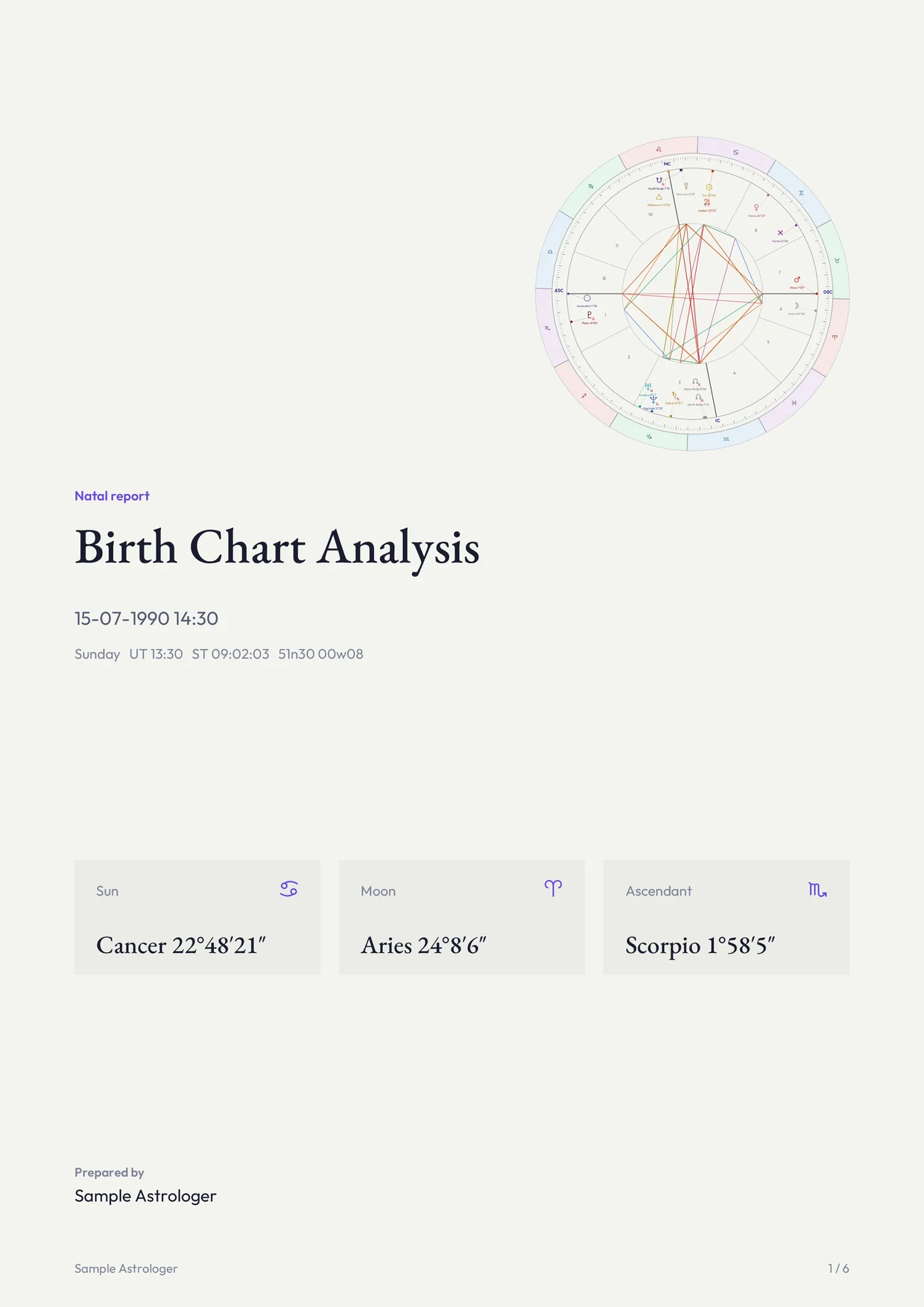
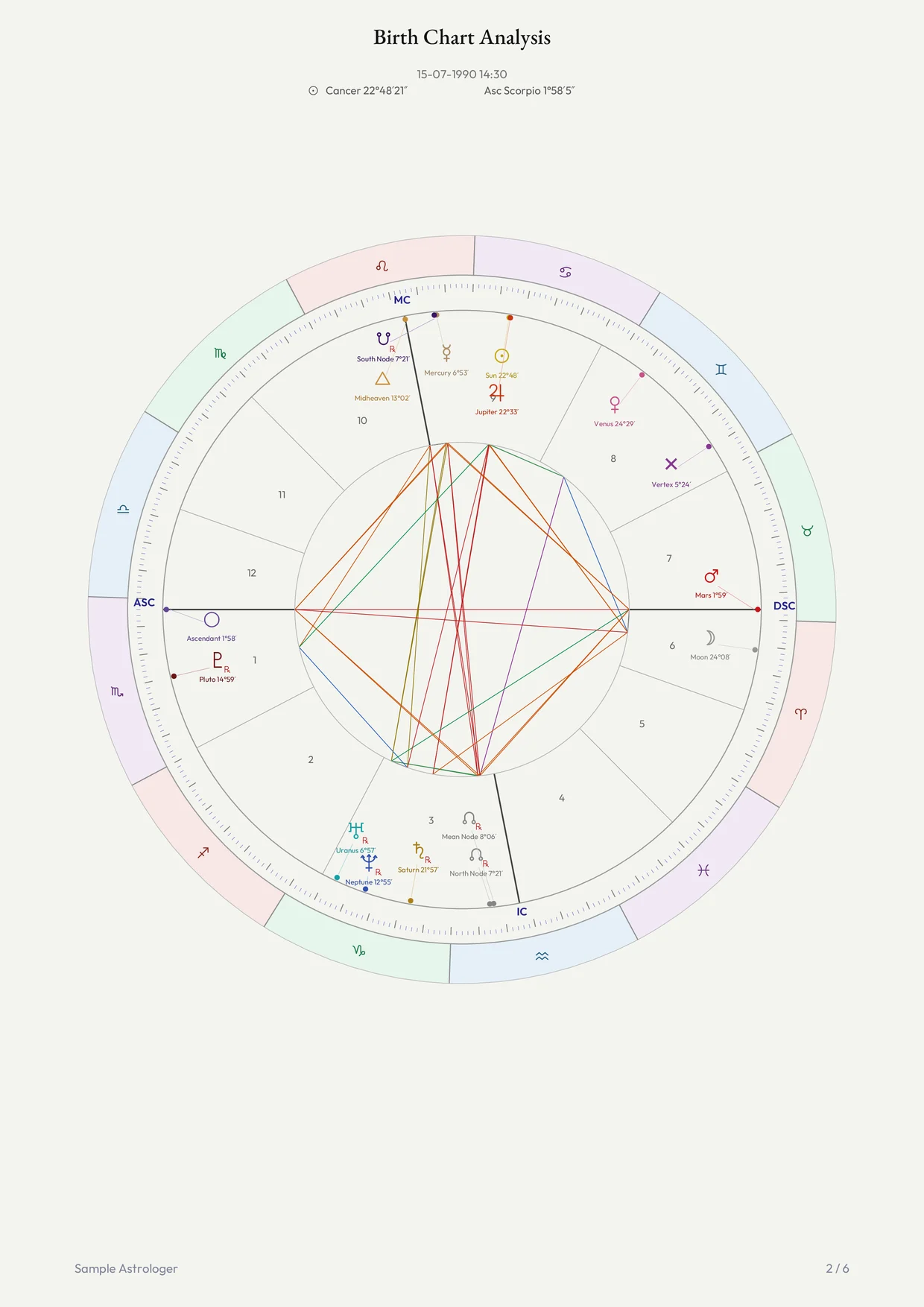
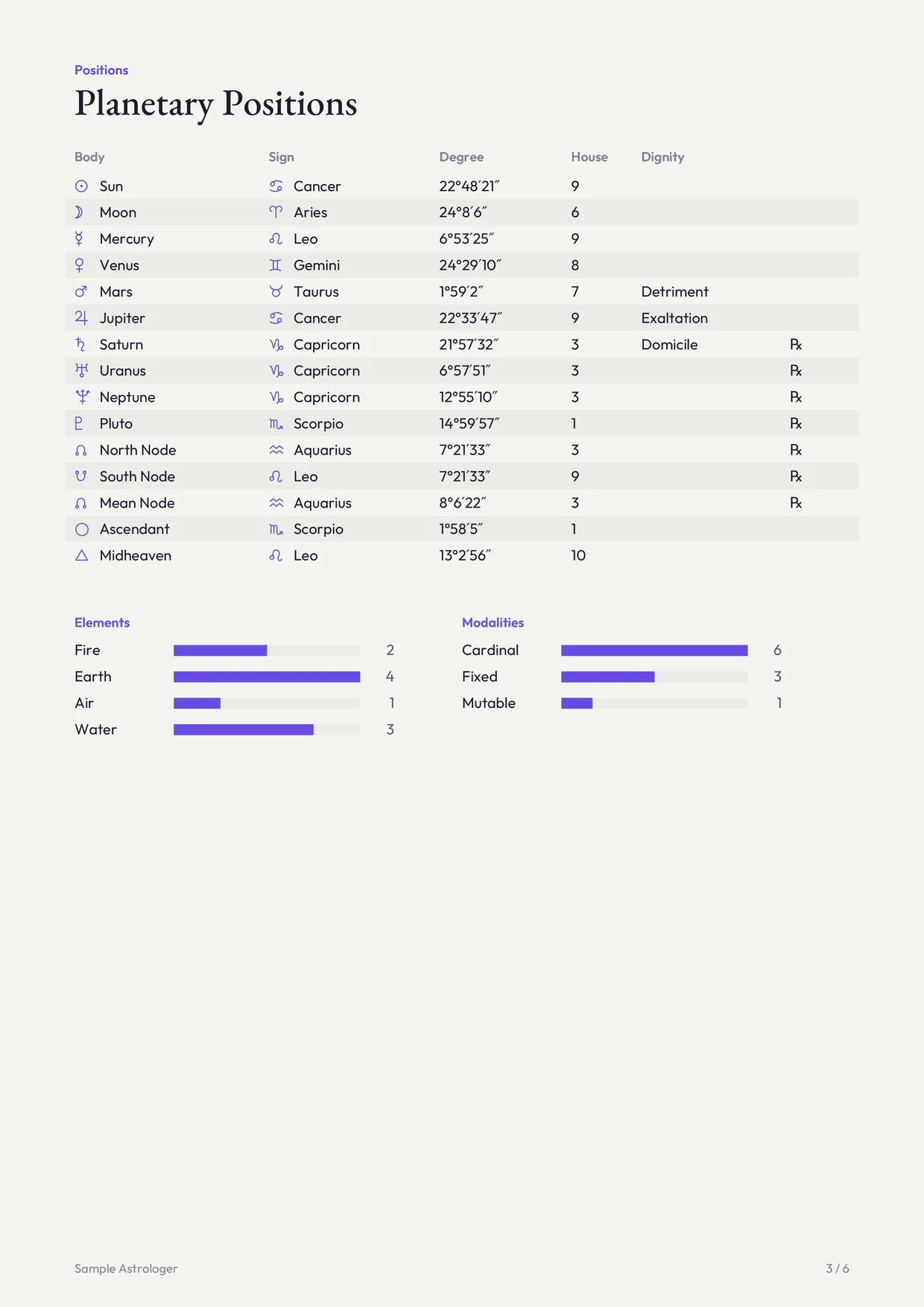
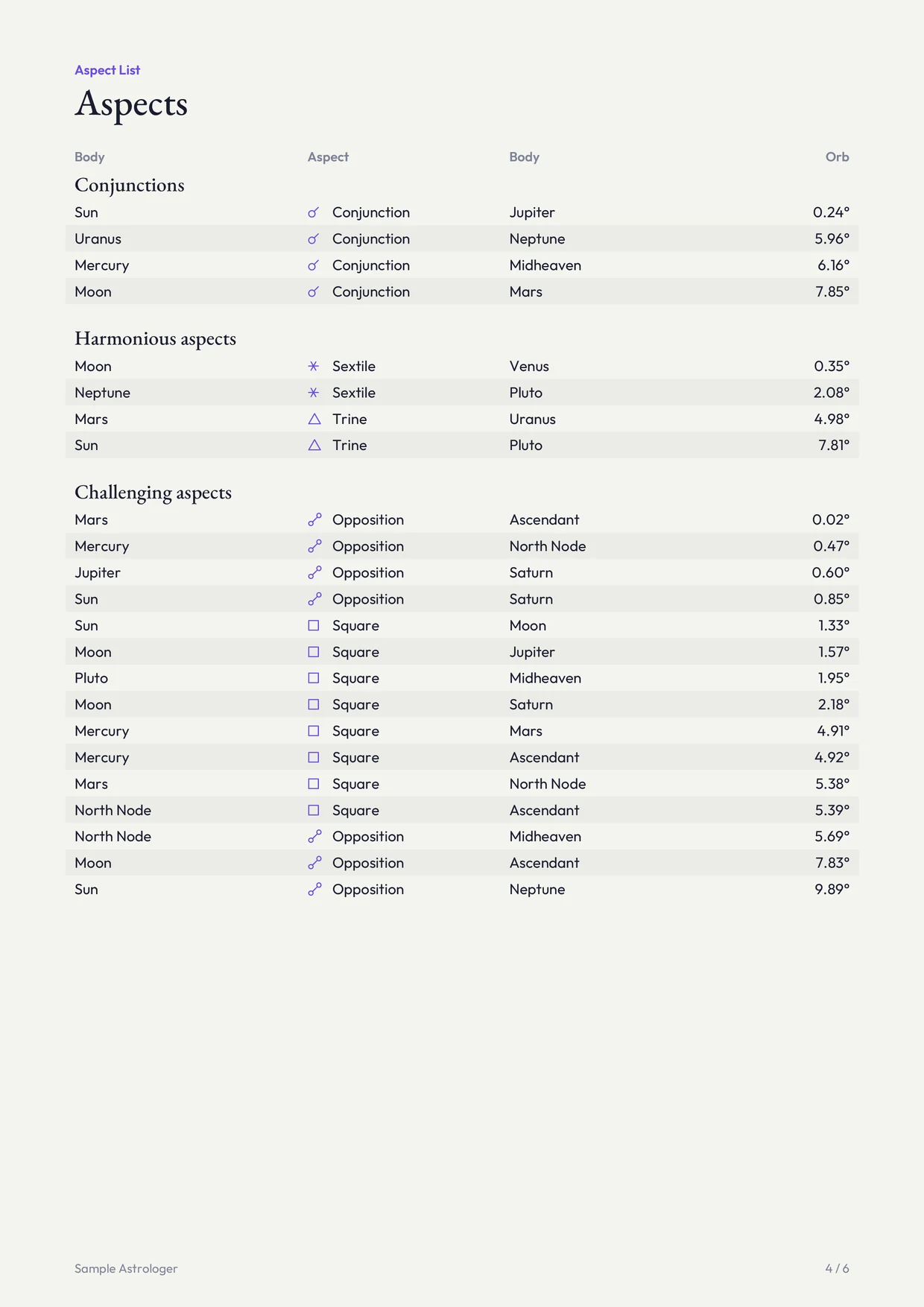
The pages below come from a real report and show the documentation's example birth under a fictional signature. They are the cover, the wheel, the position table, the aspect list and the reading page. A report from the studio looks exactly the same.
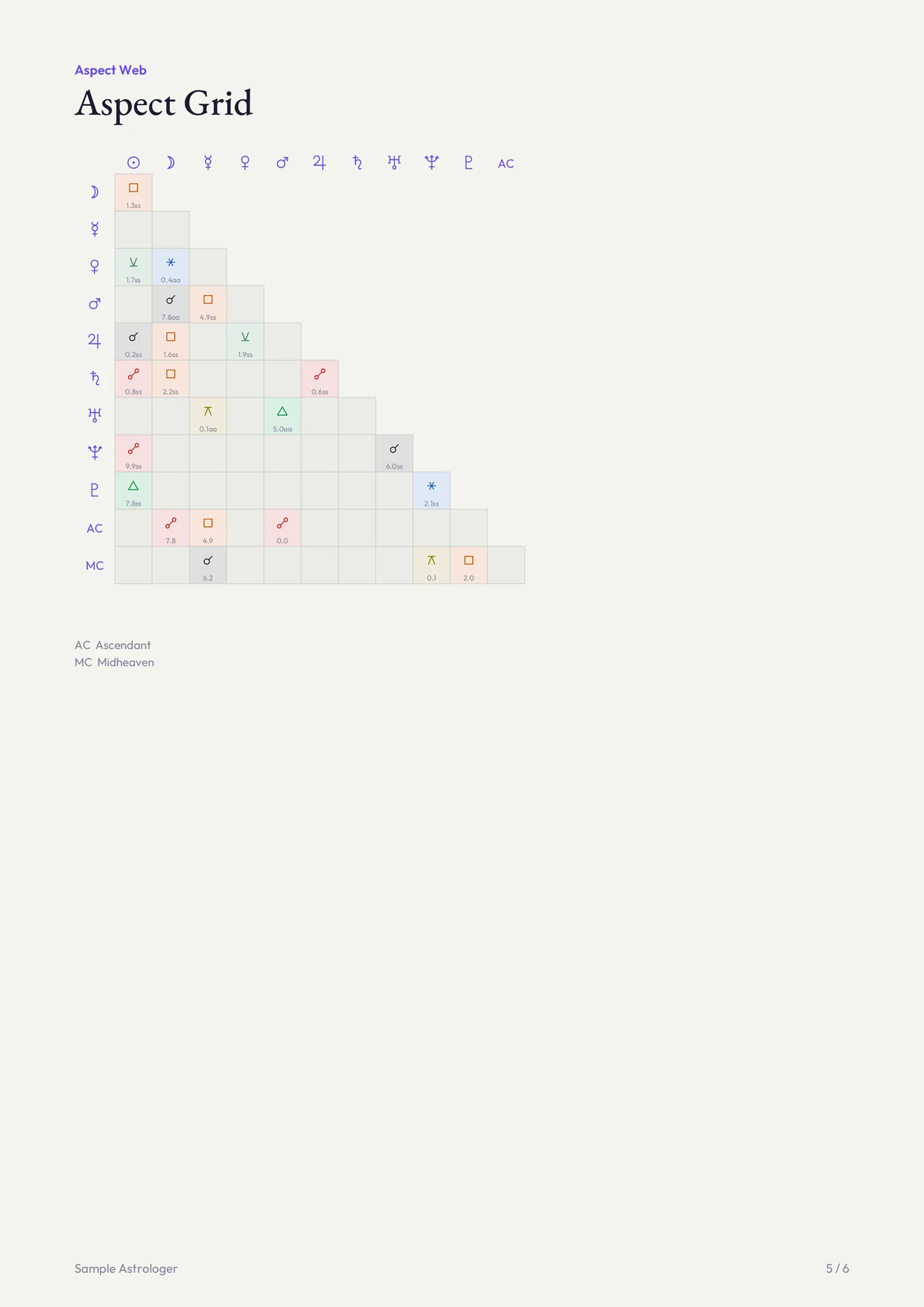
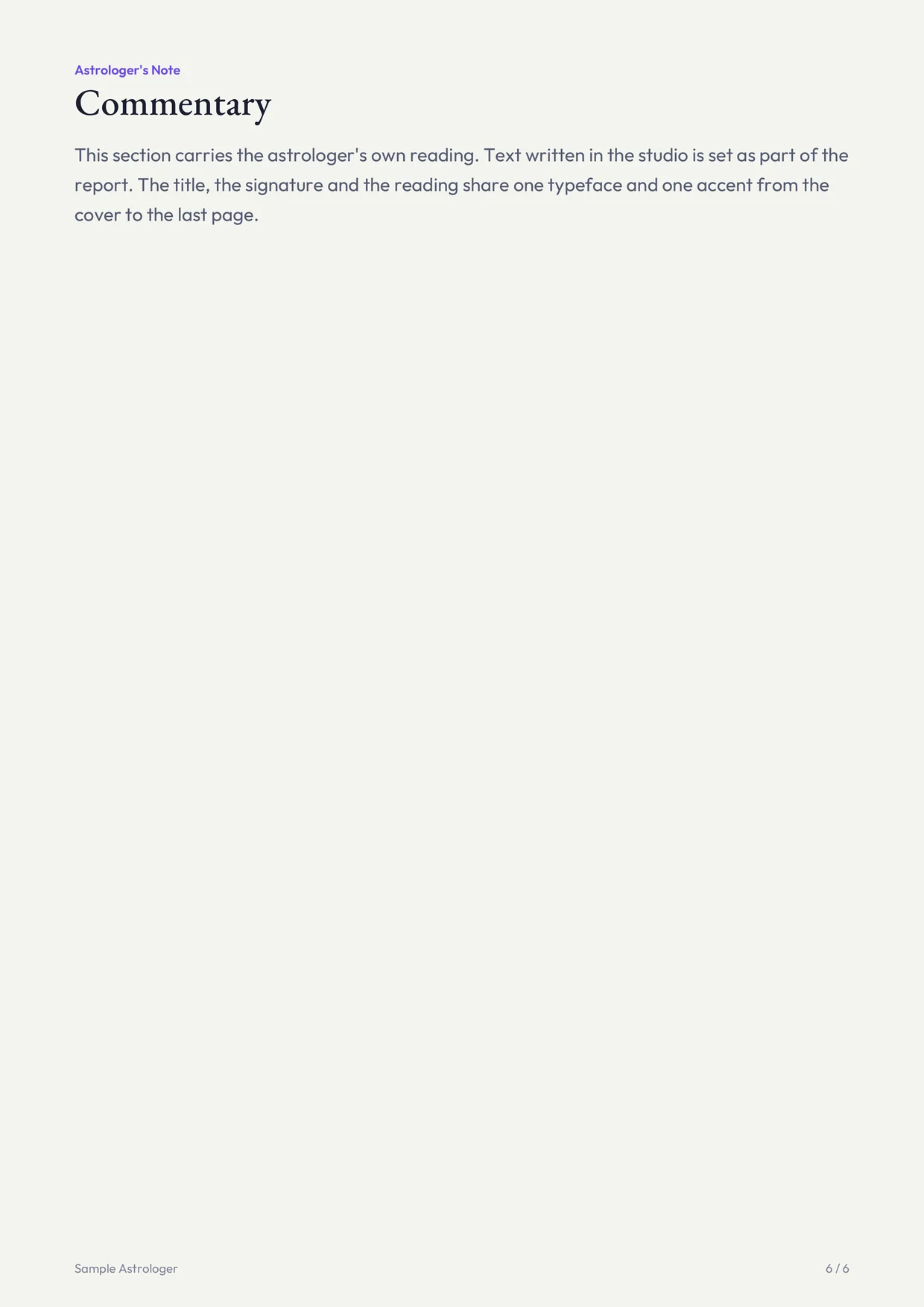
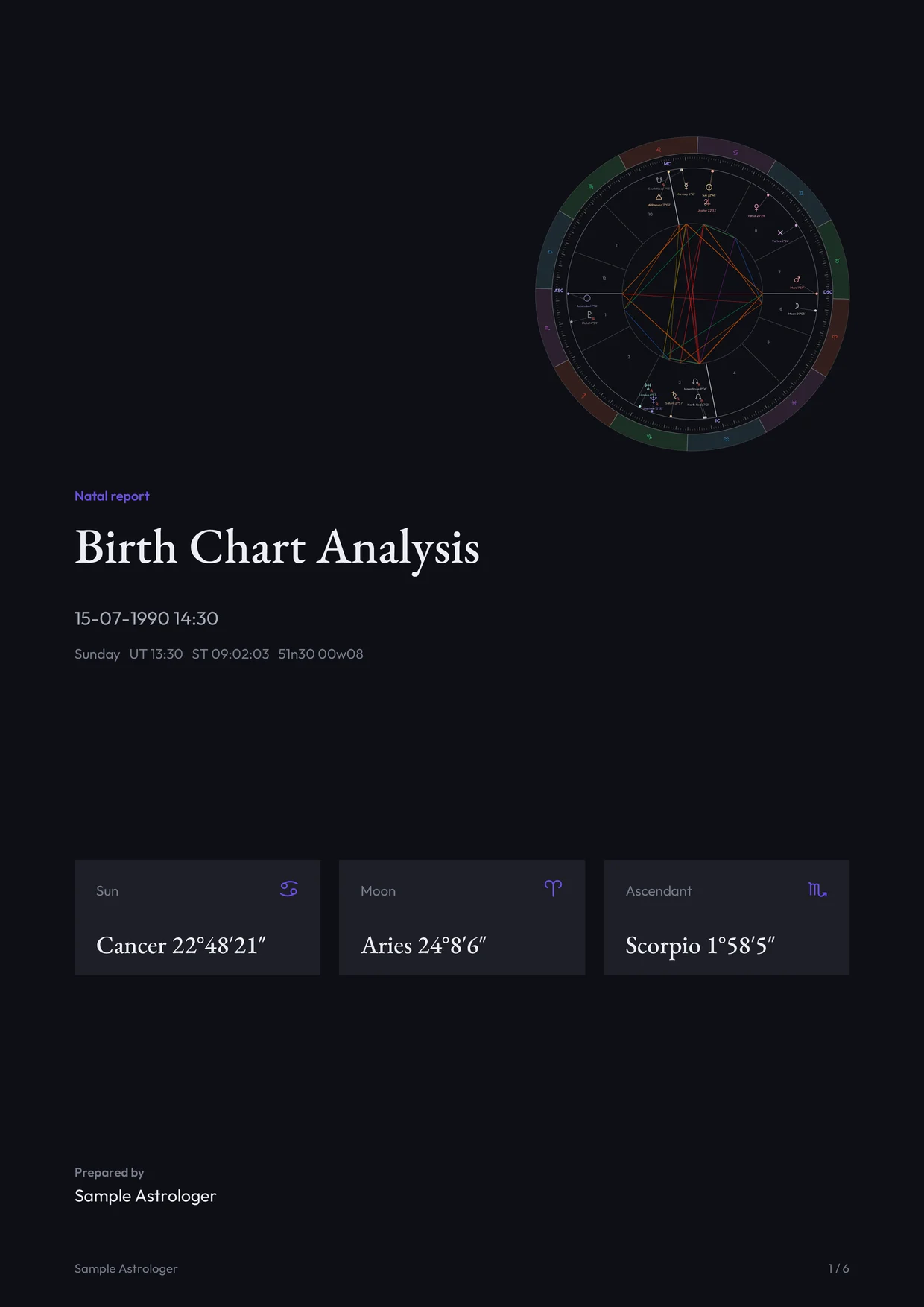
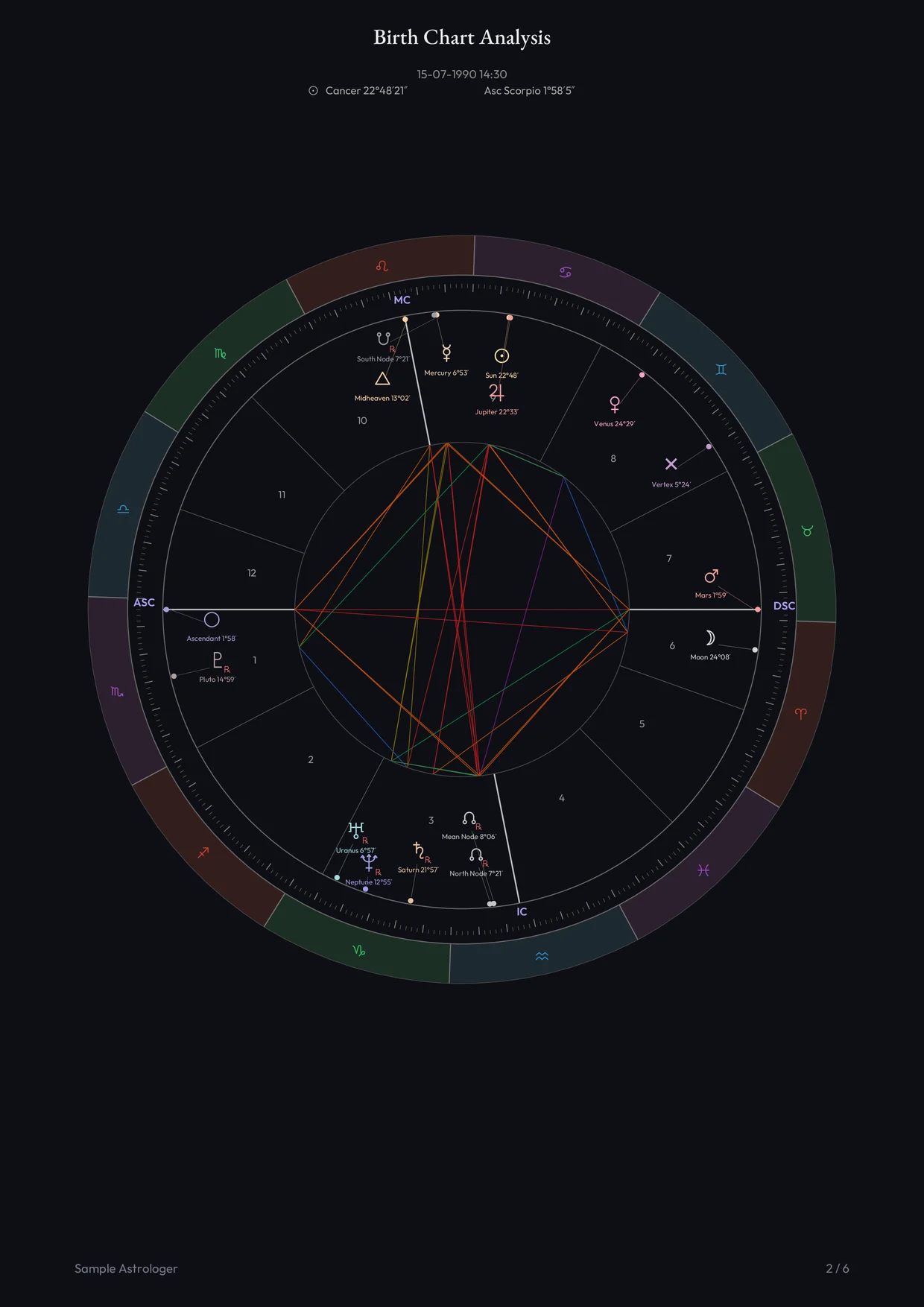
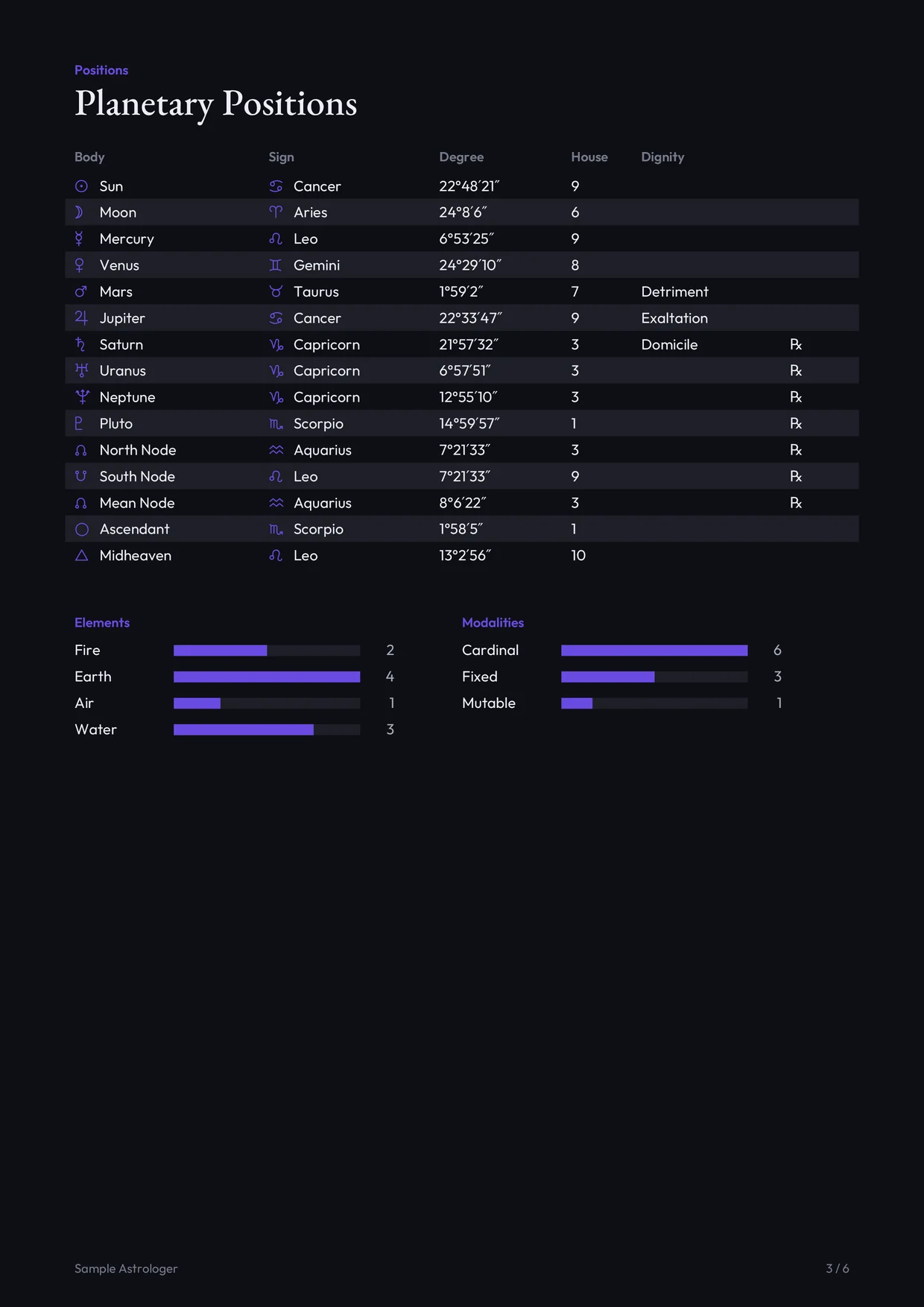
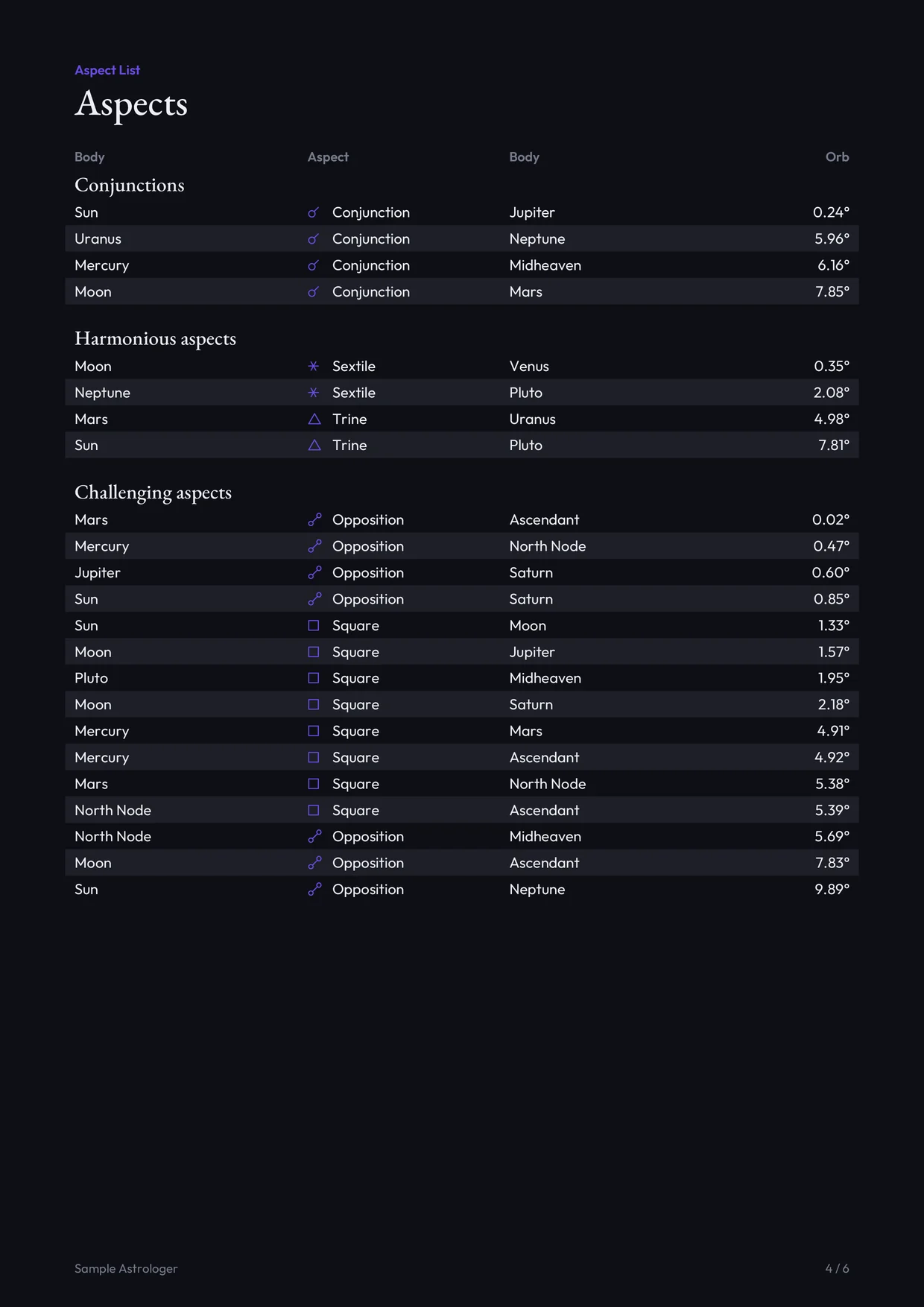
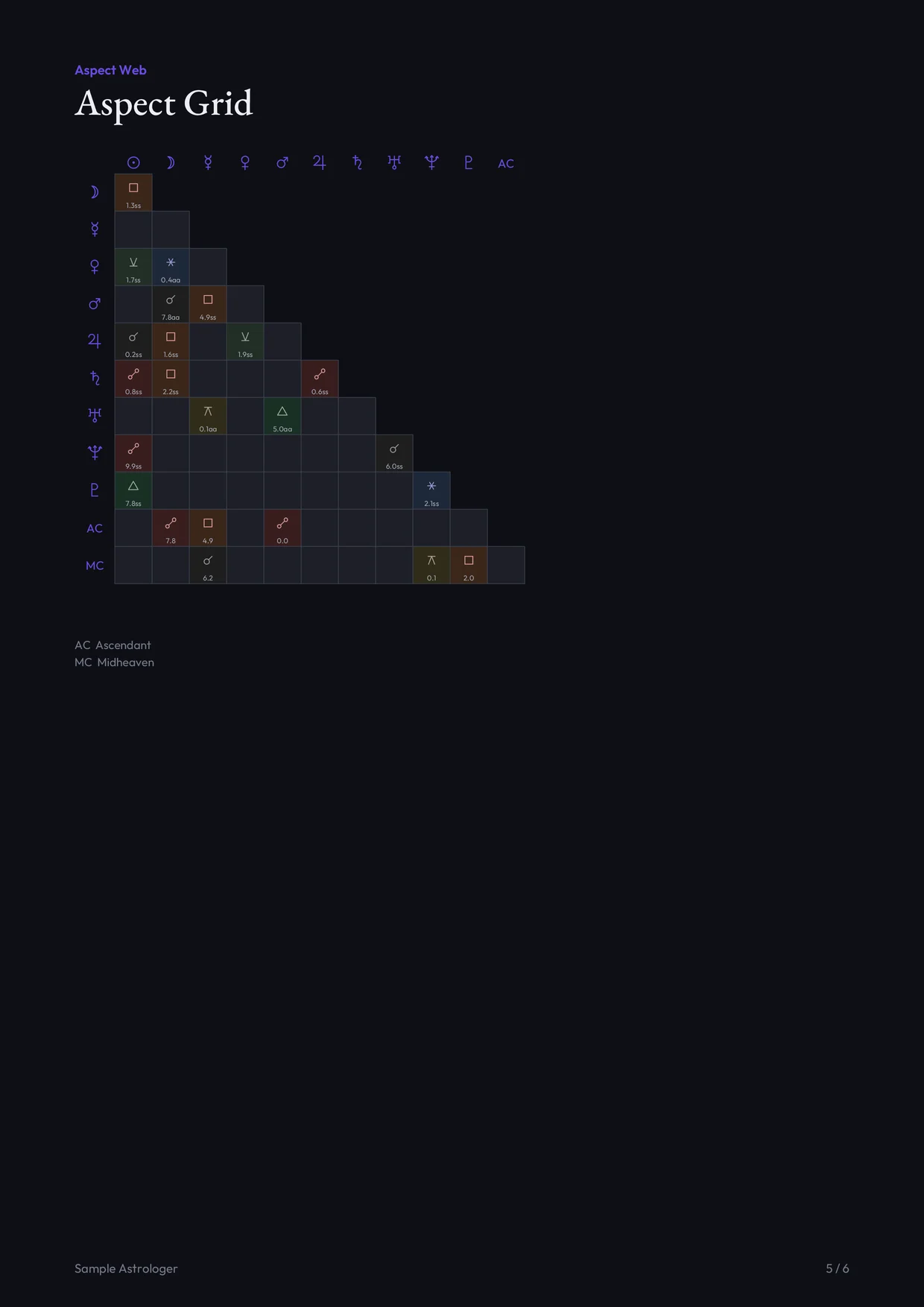
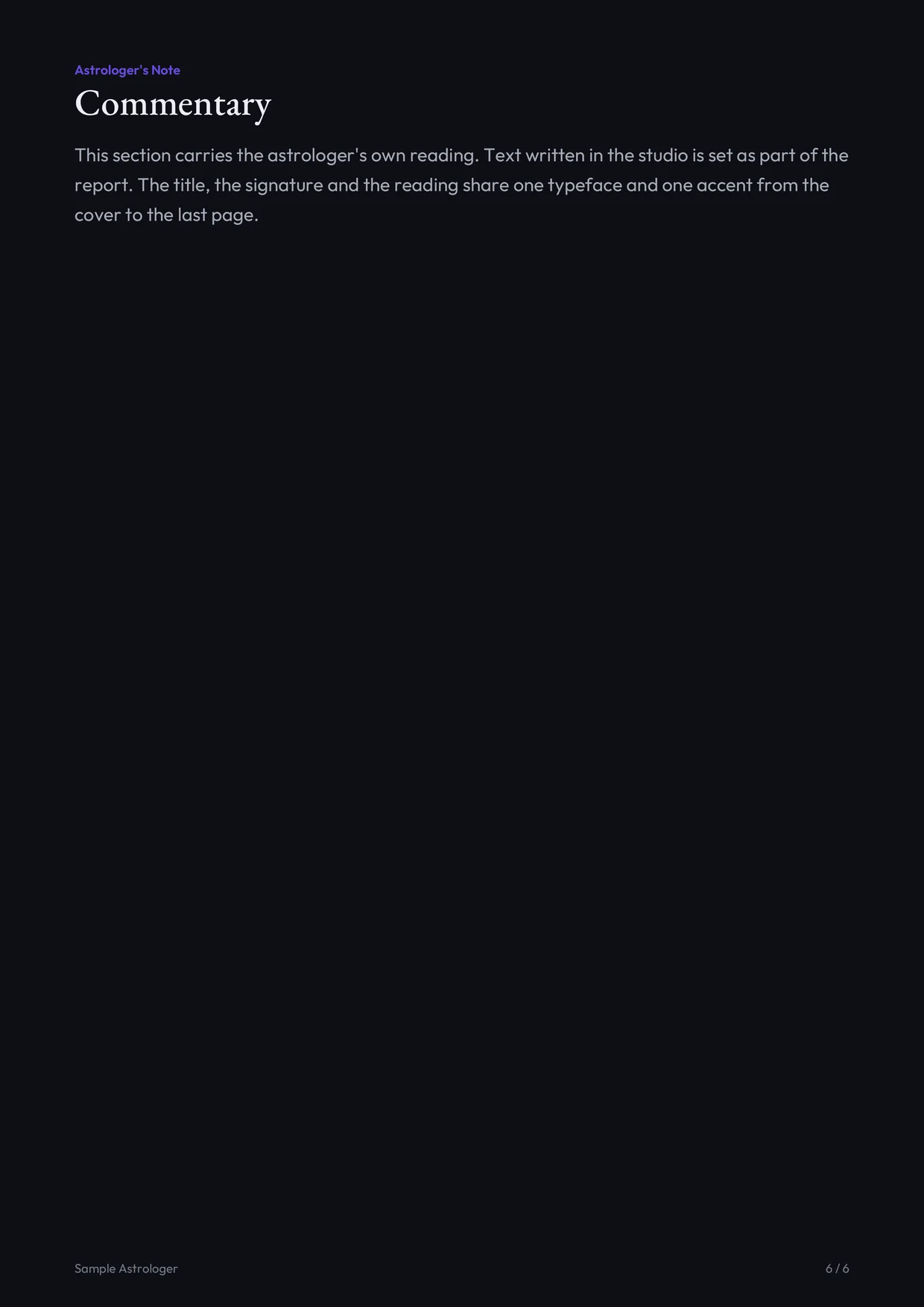
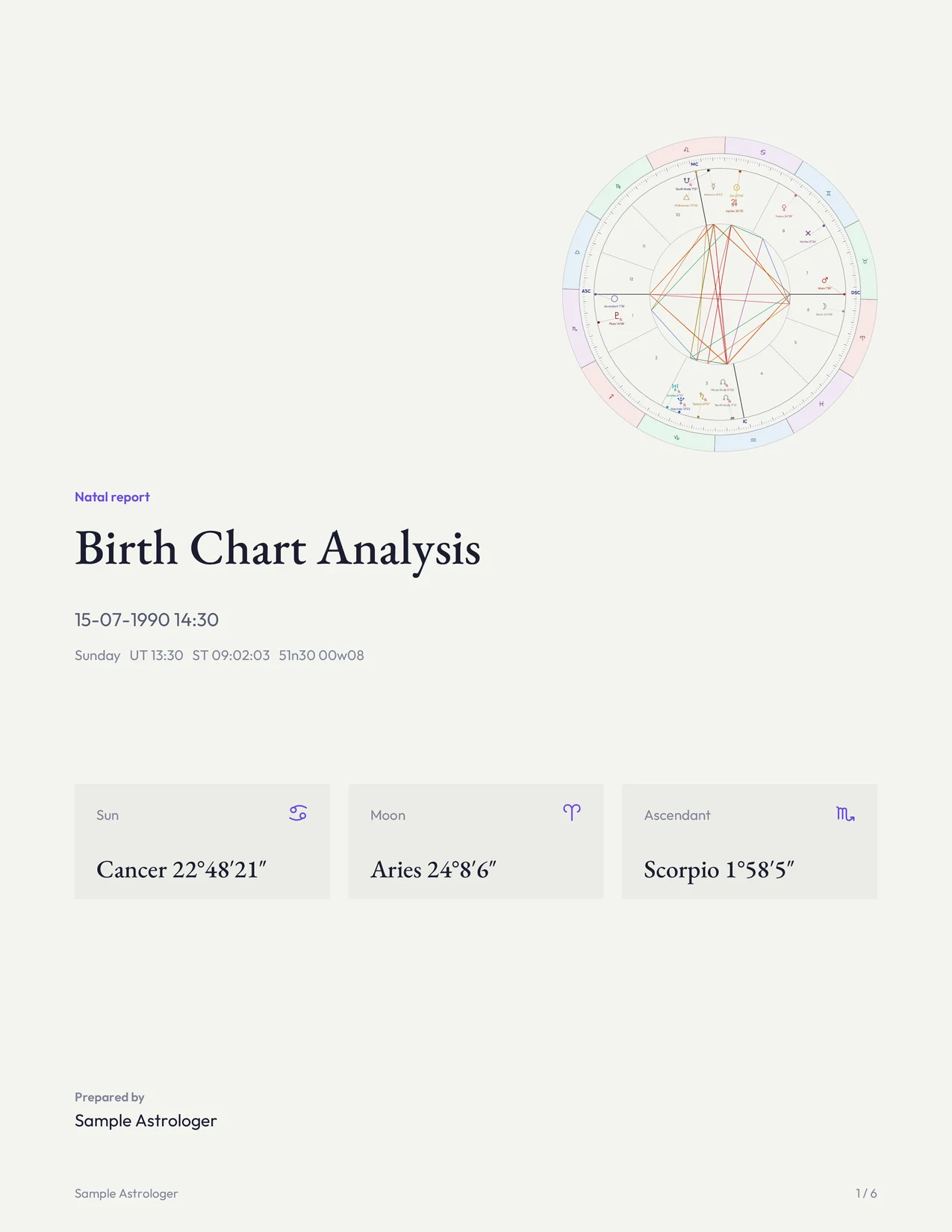
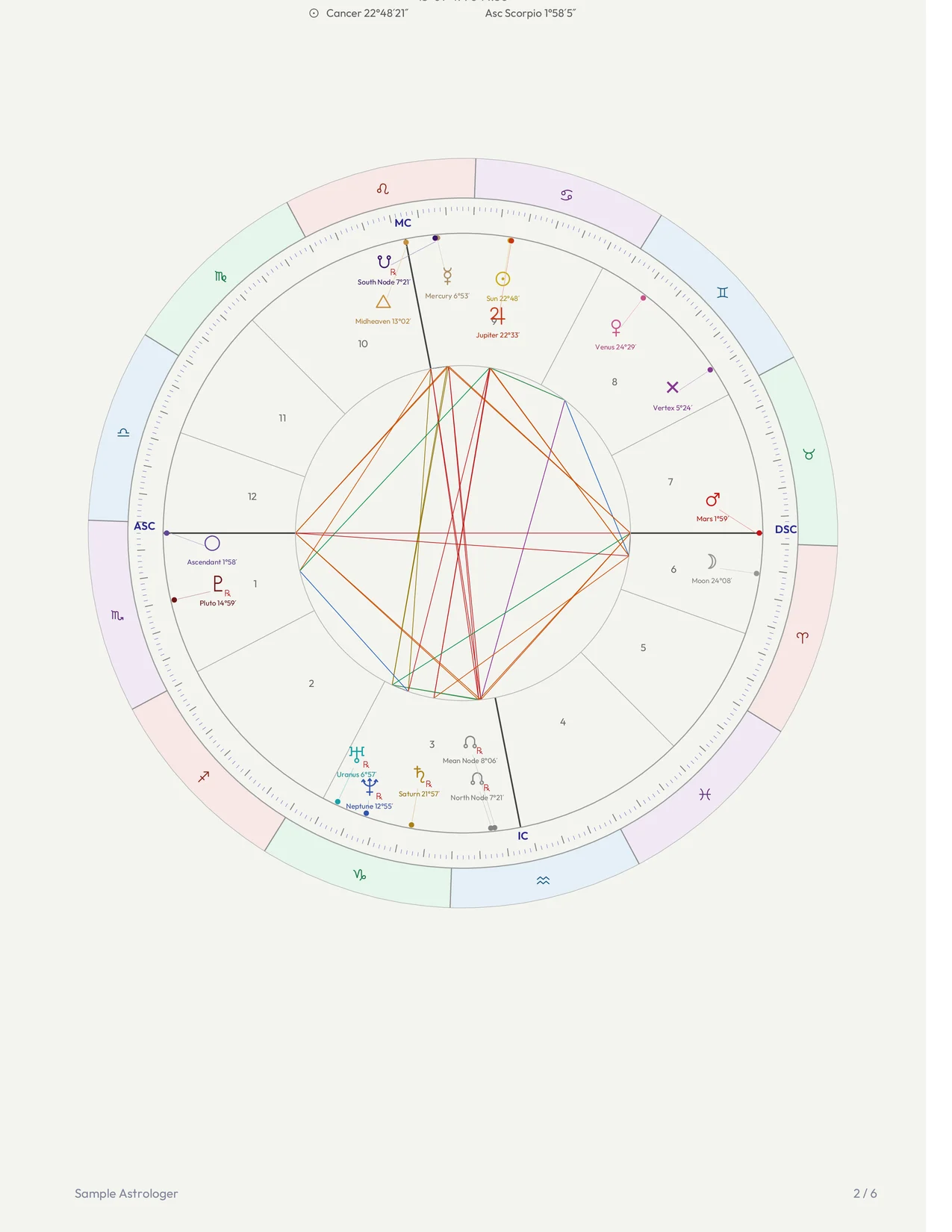
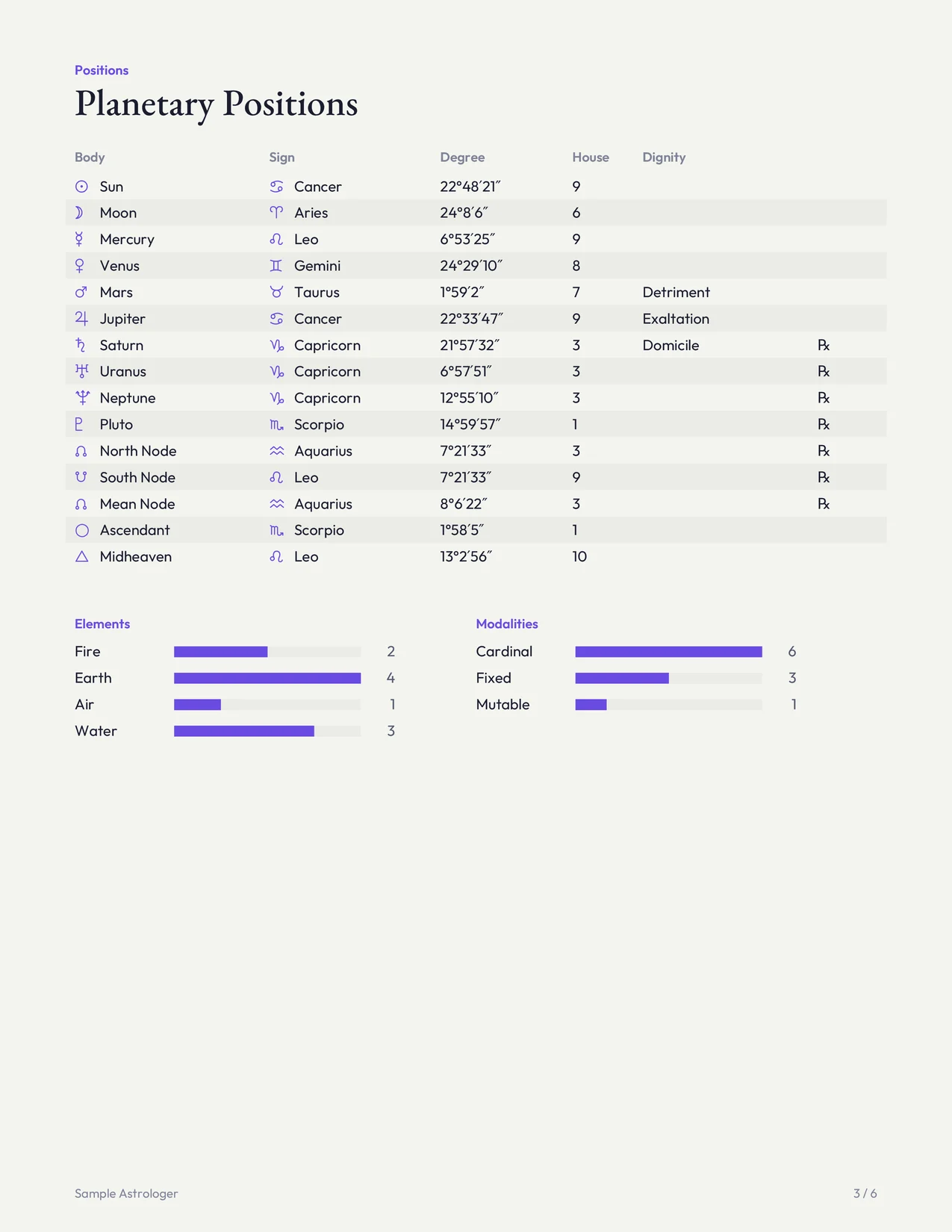
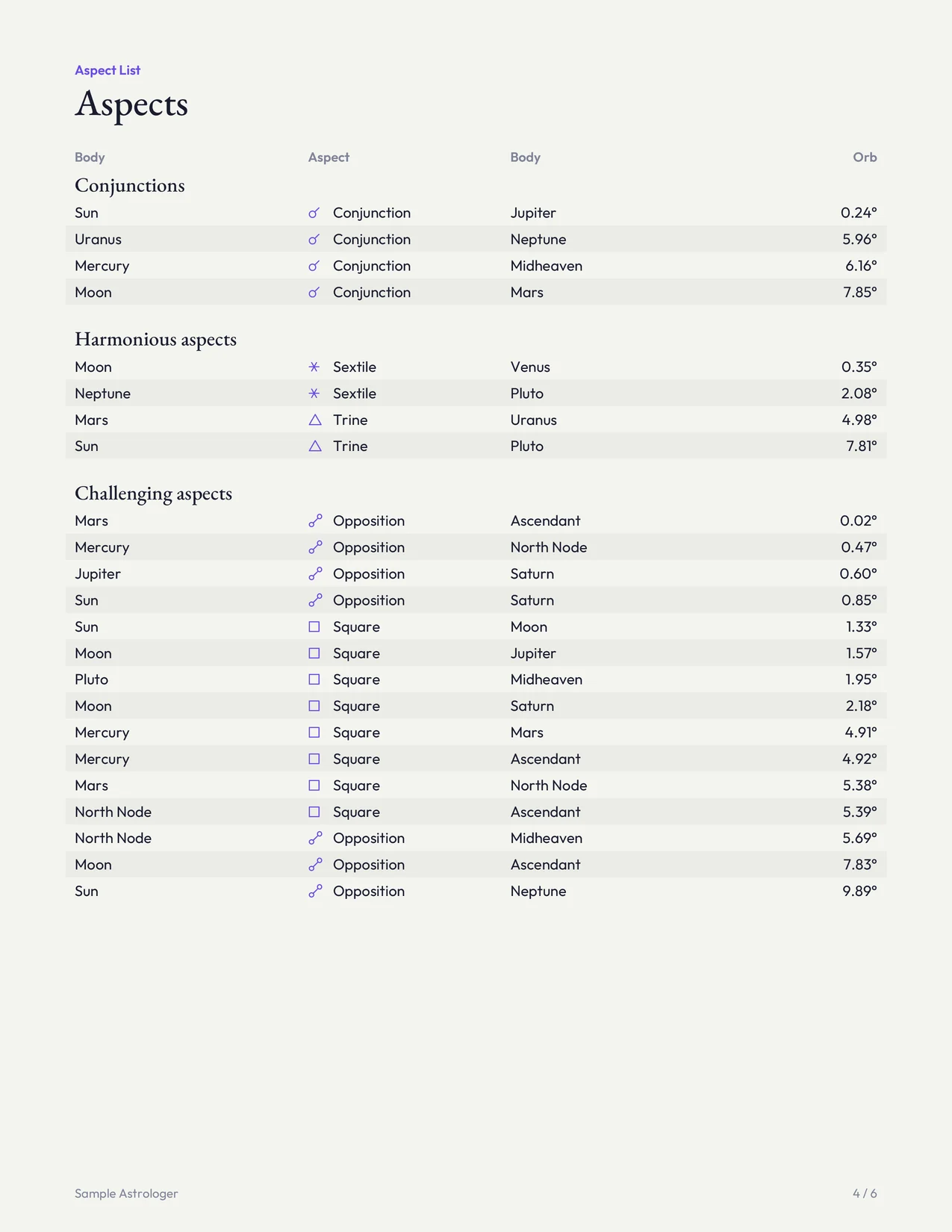
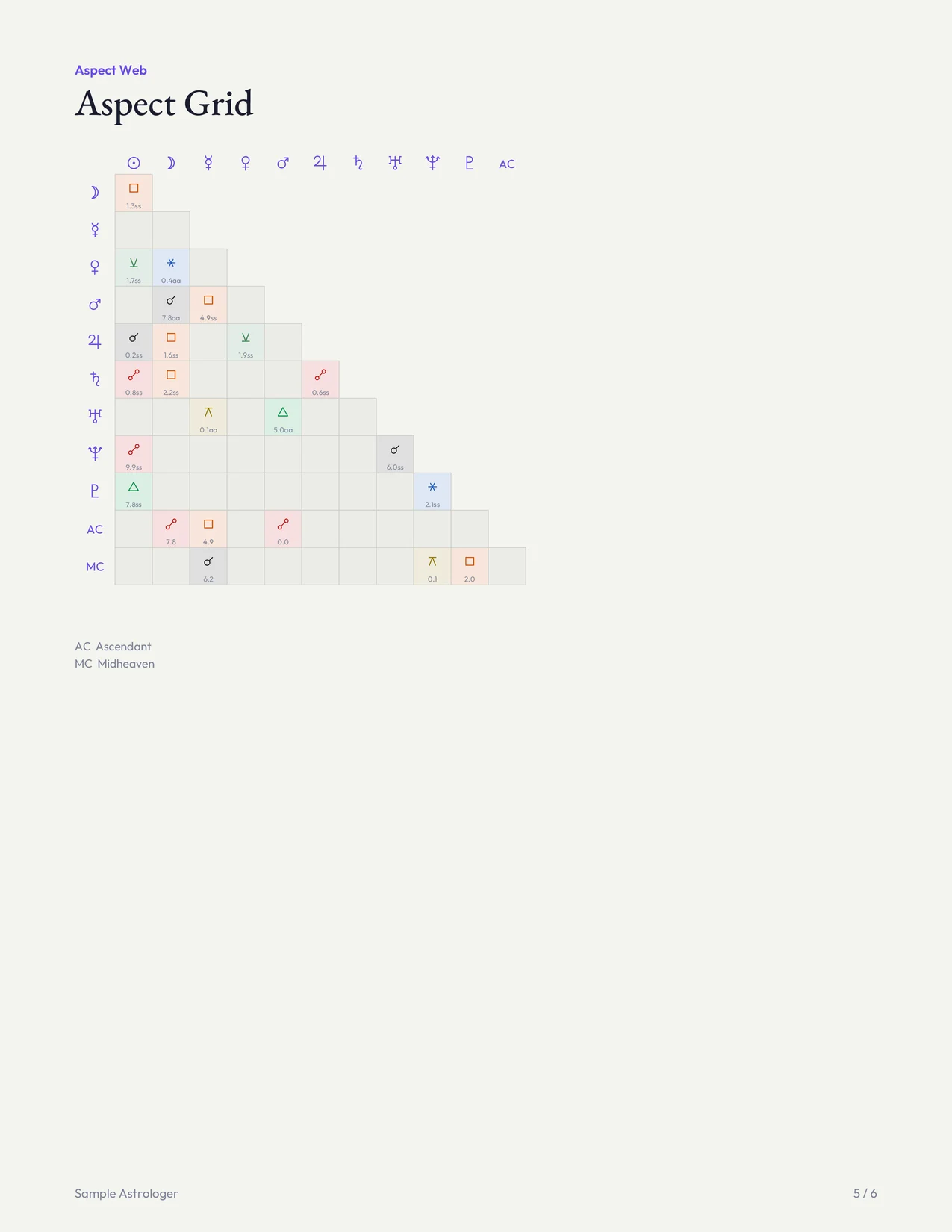
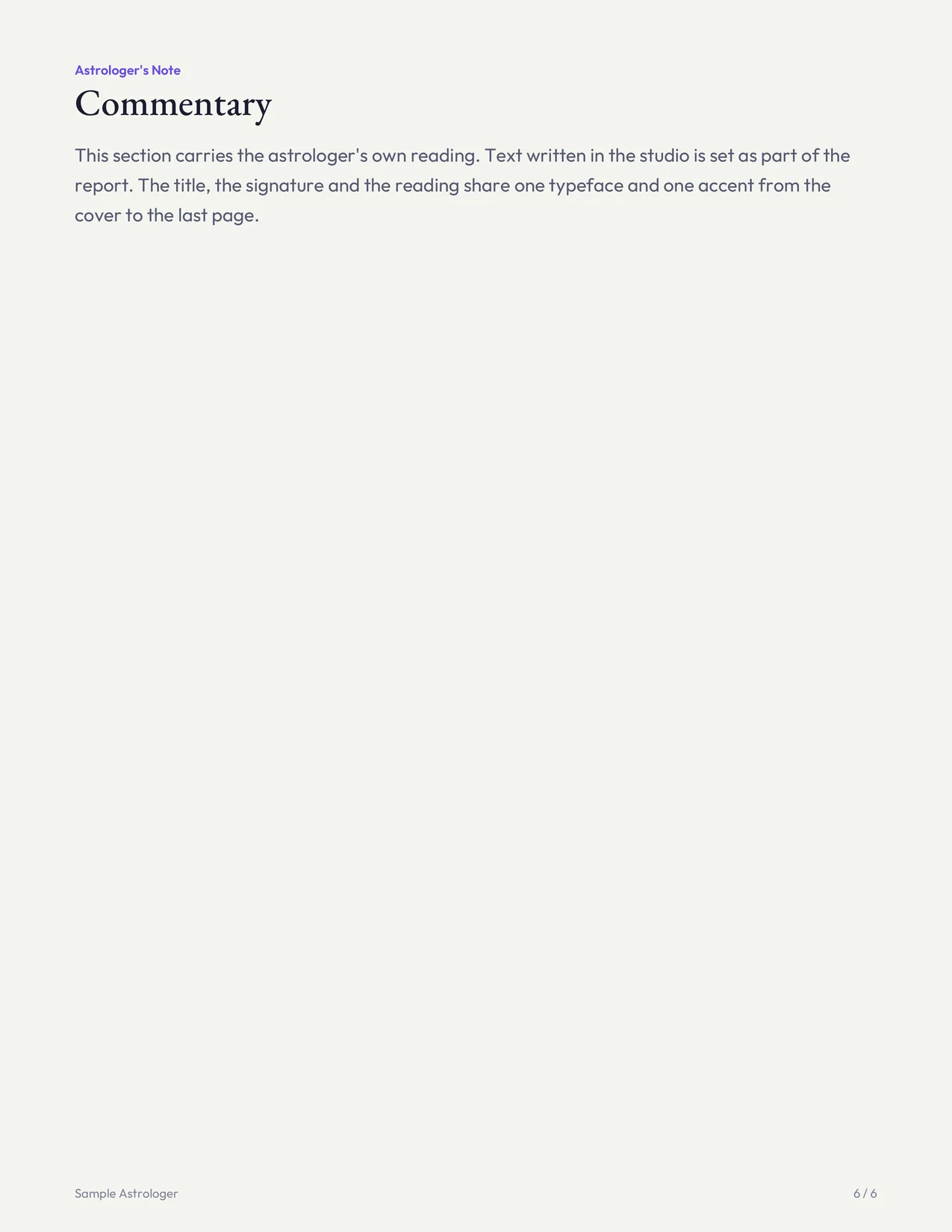
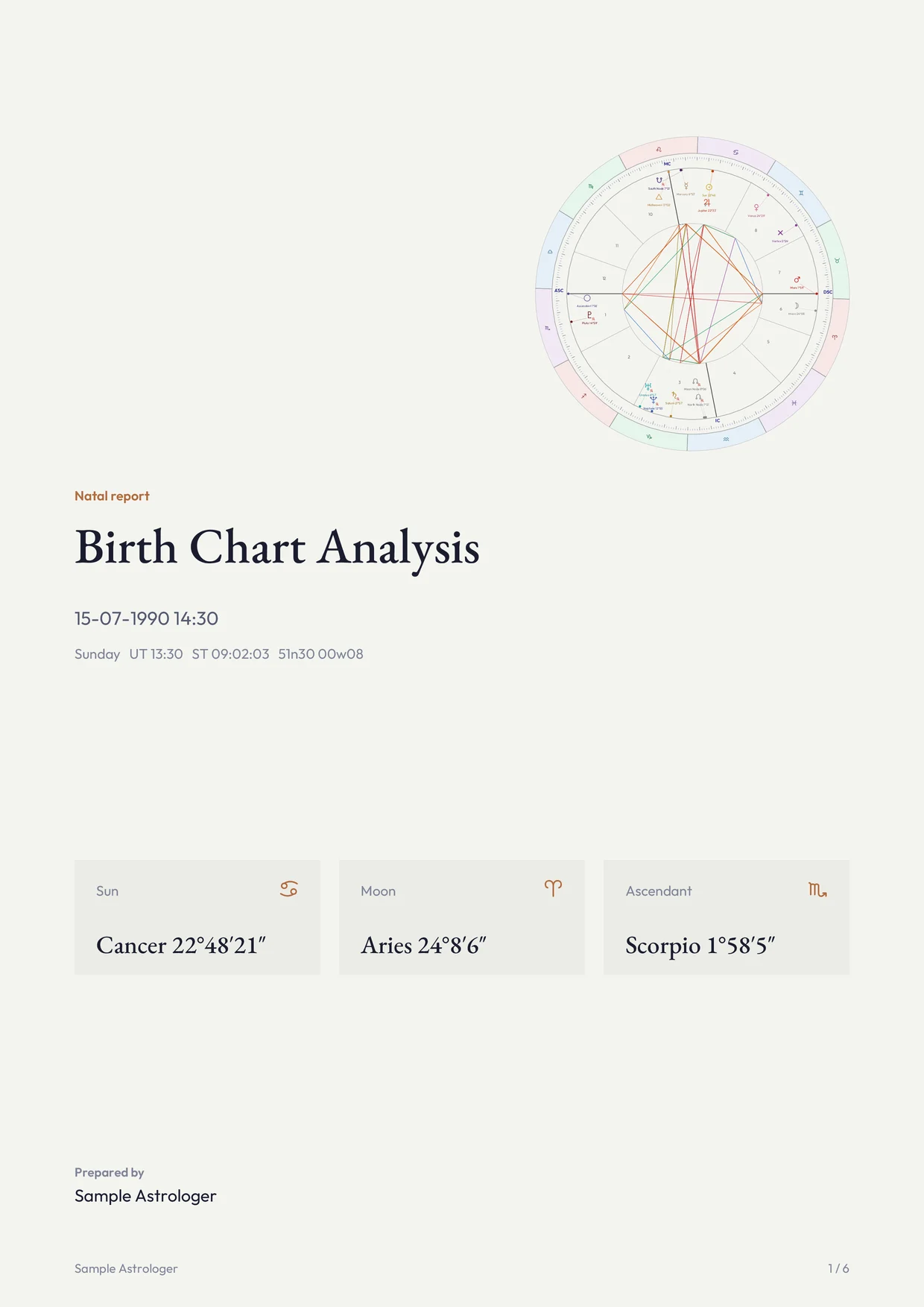
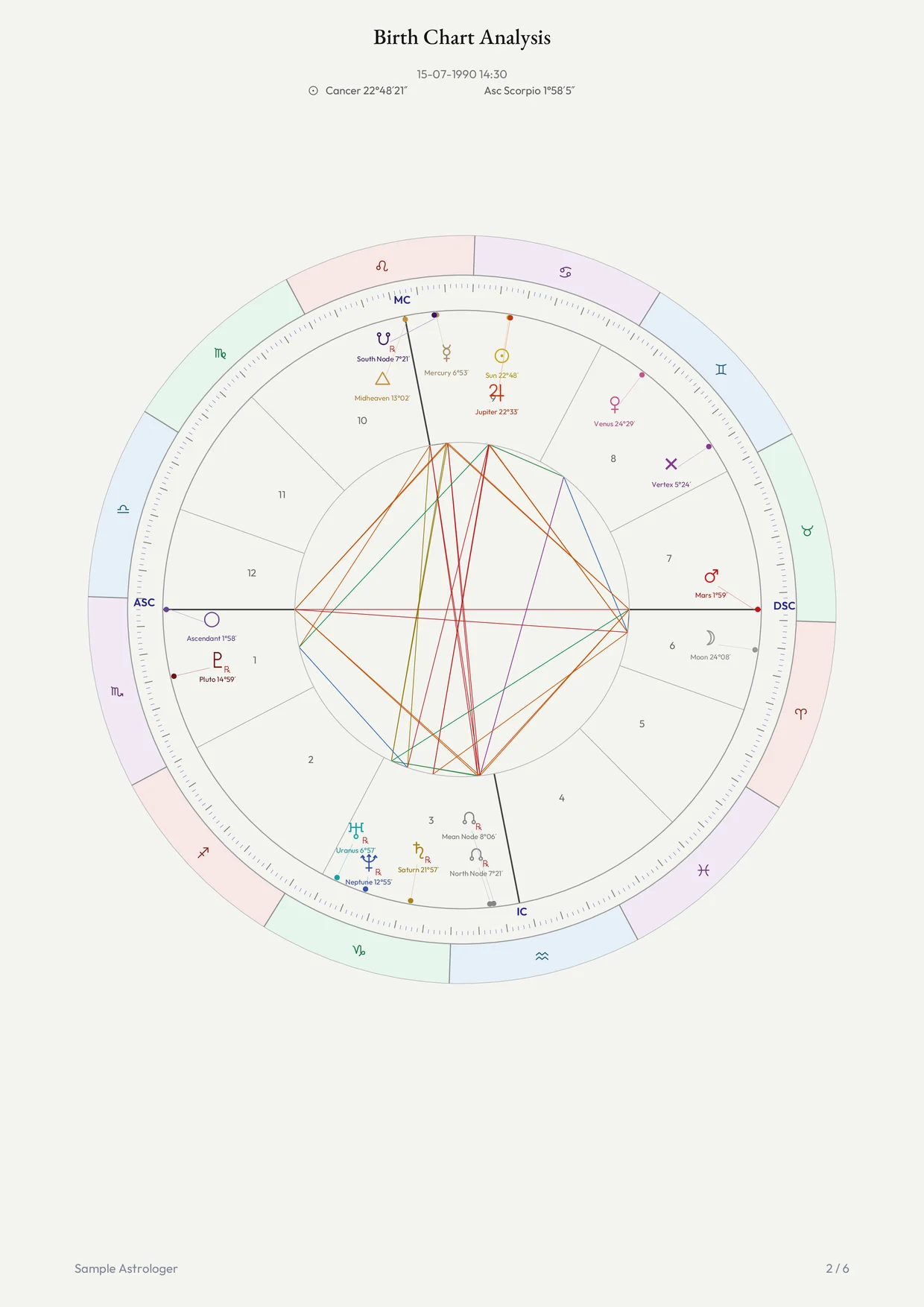
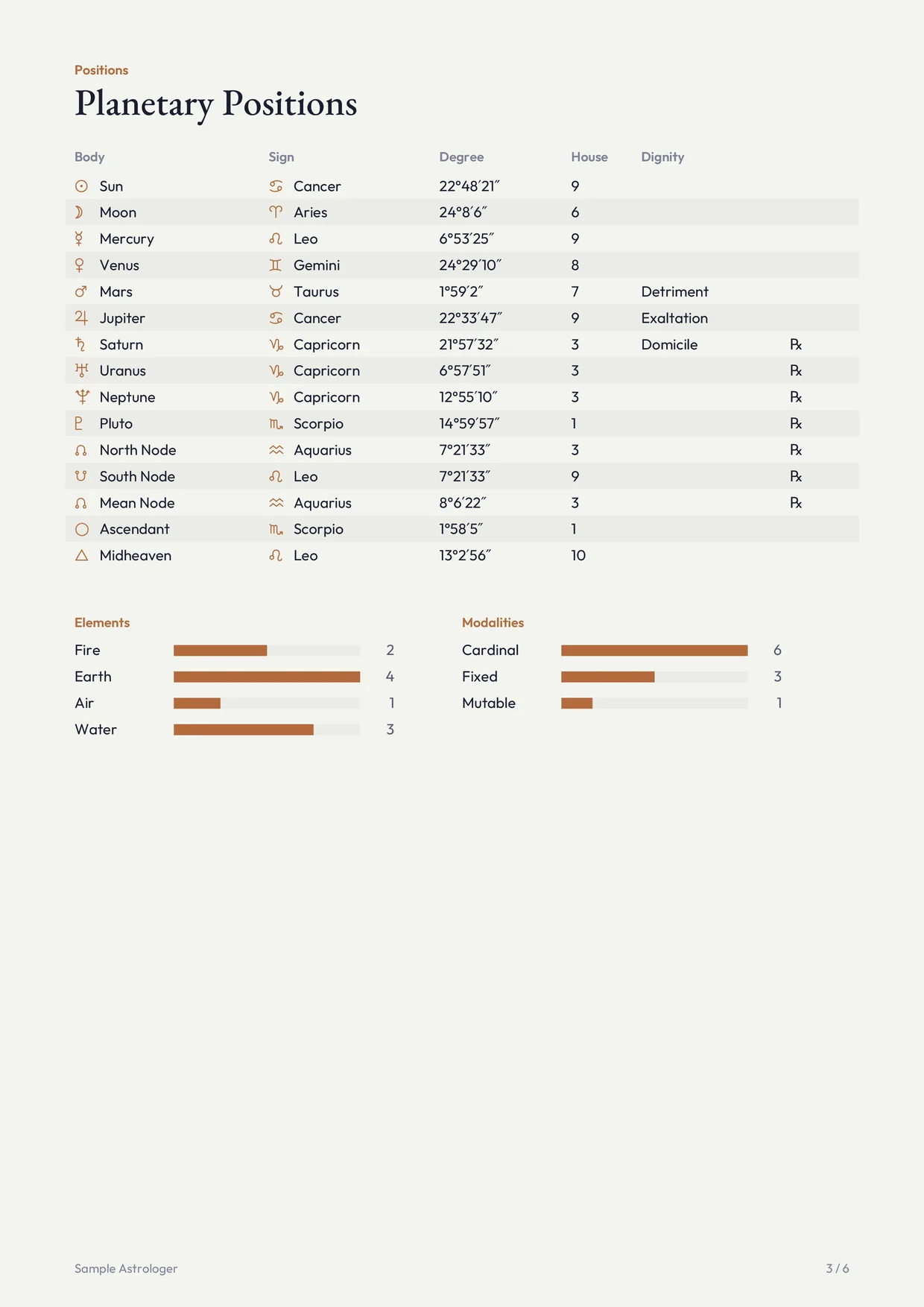
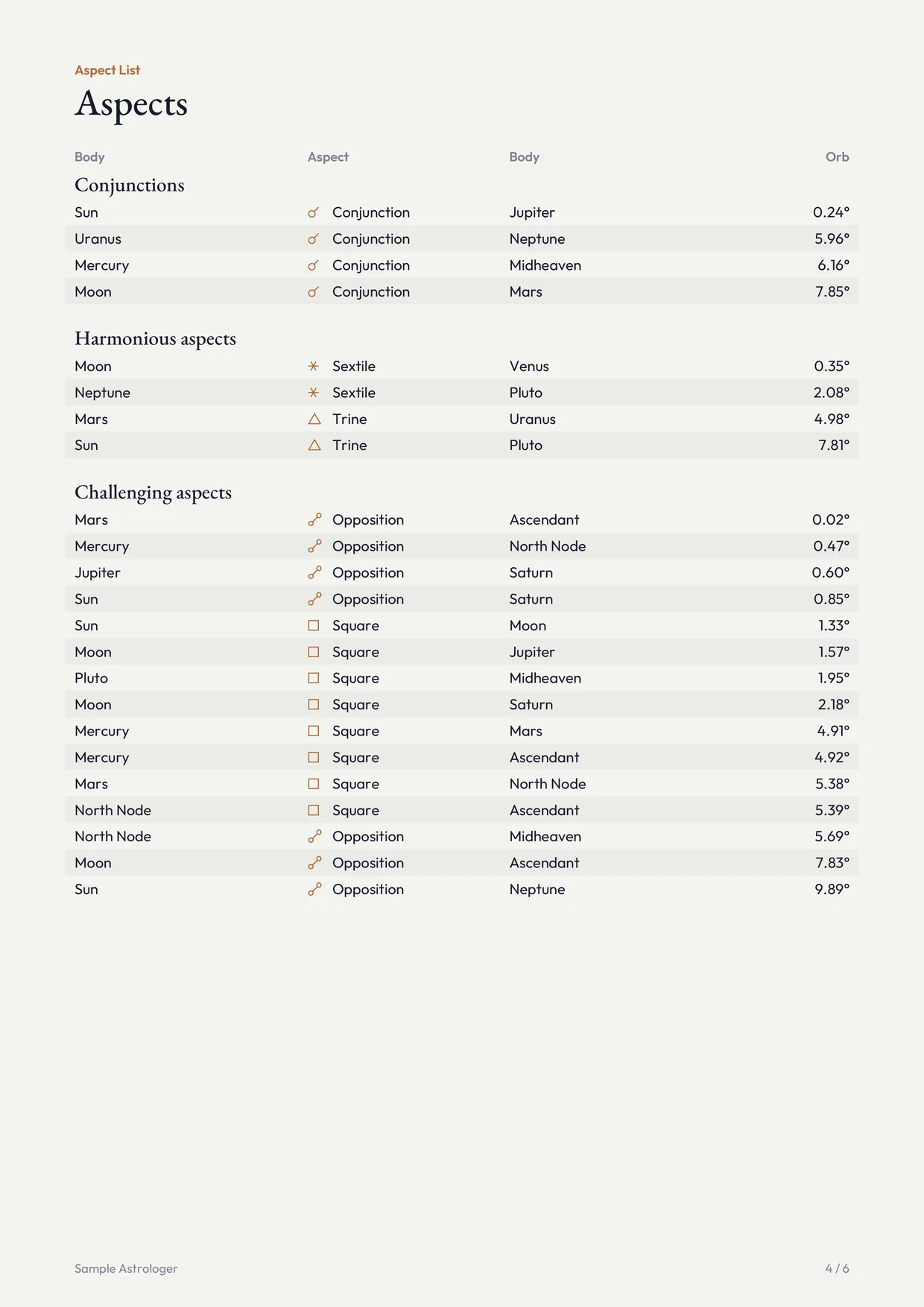
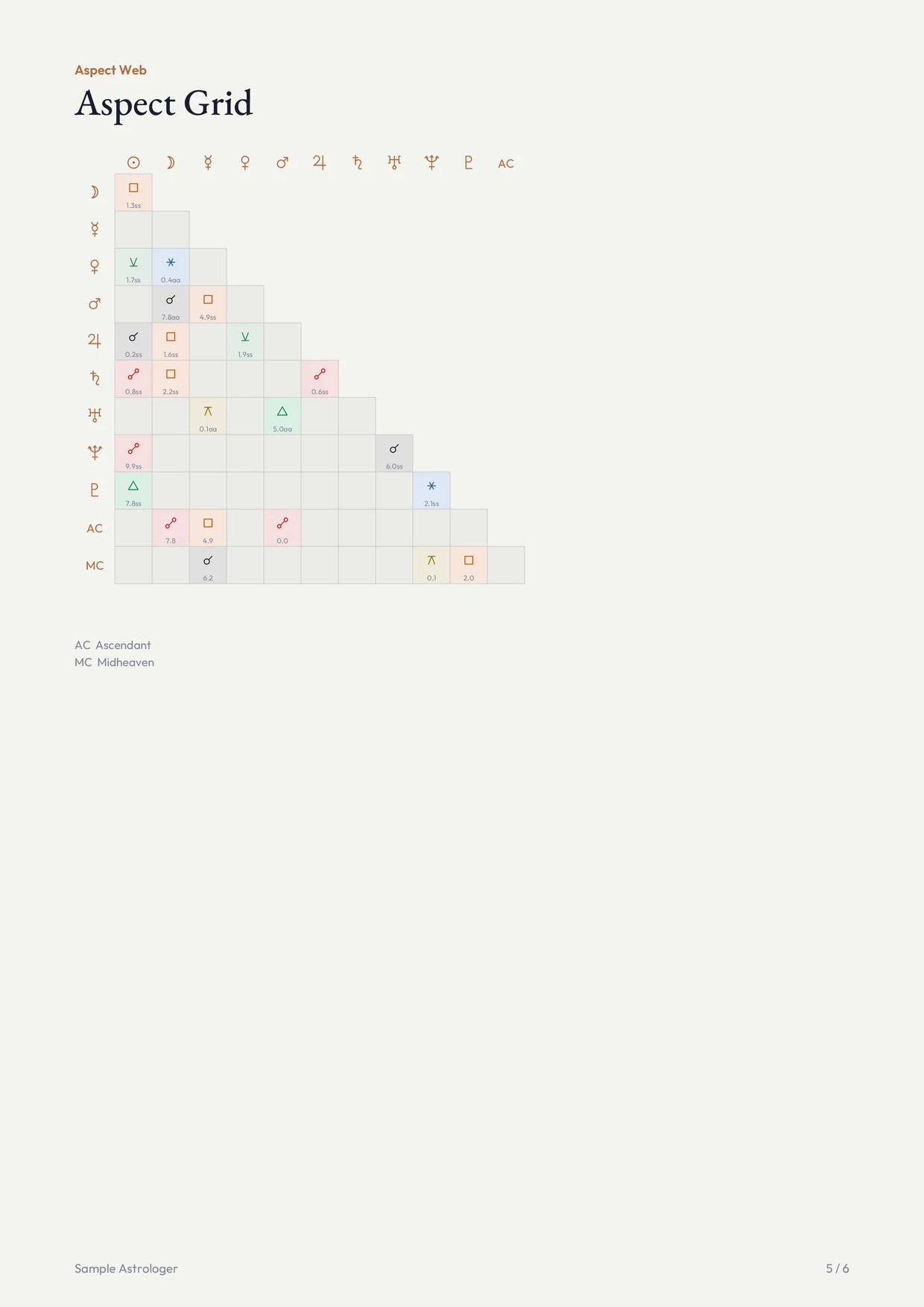
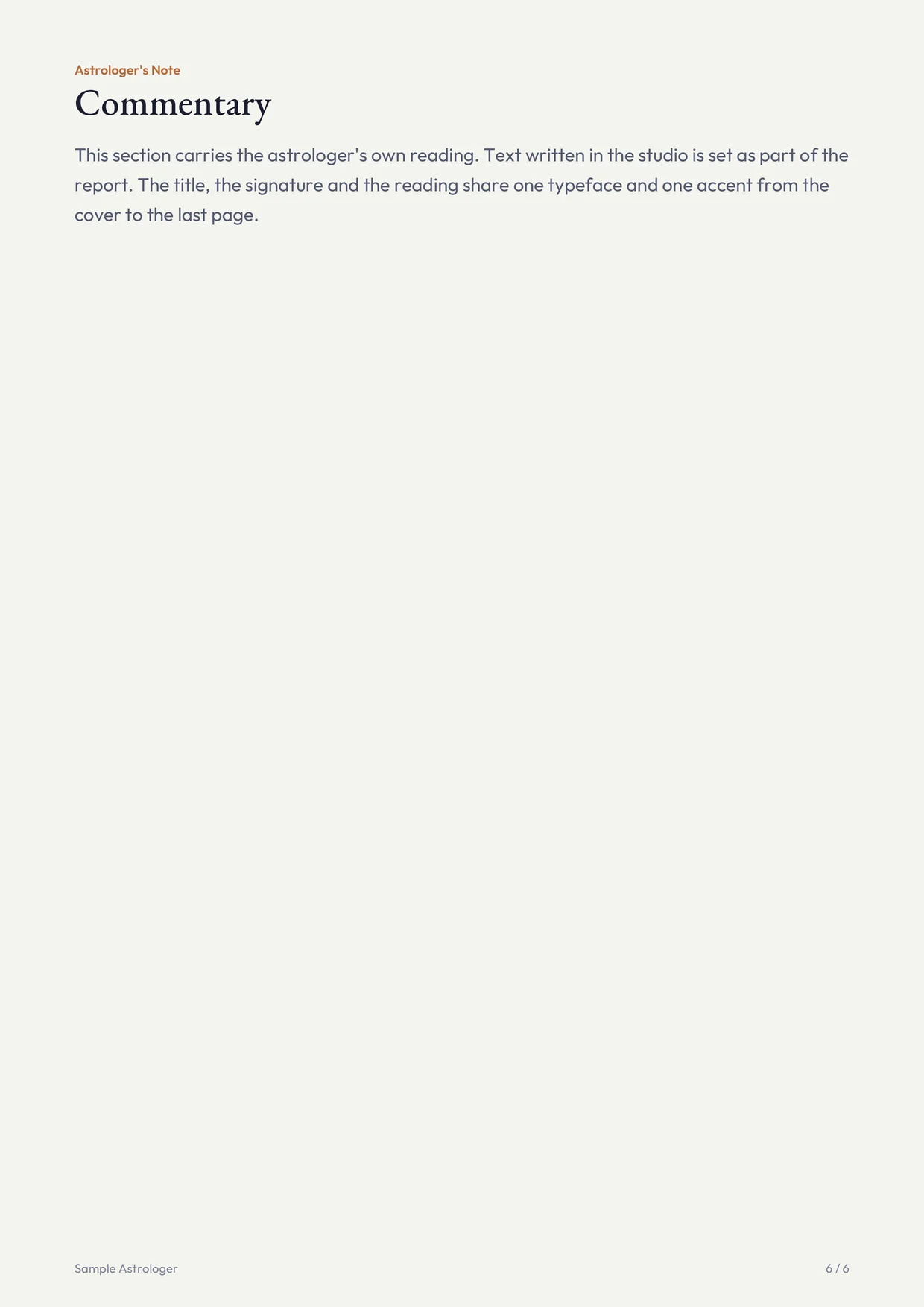
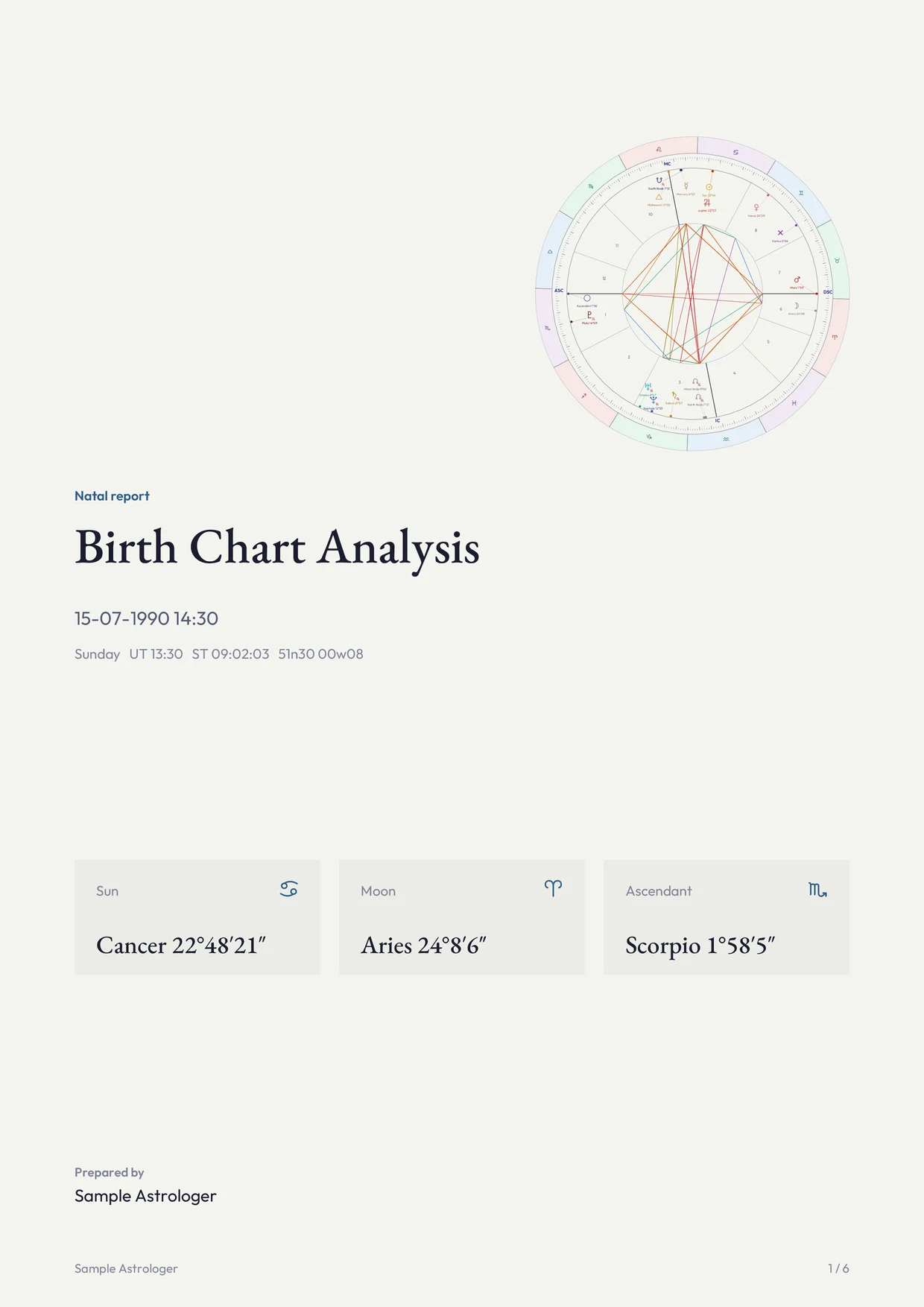
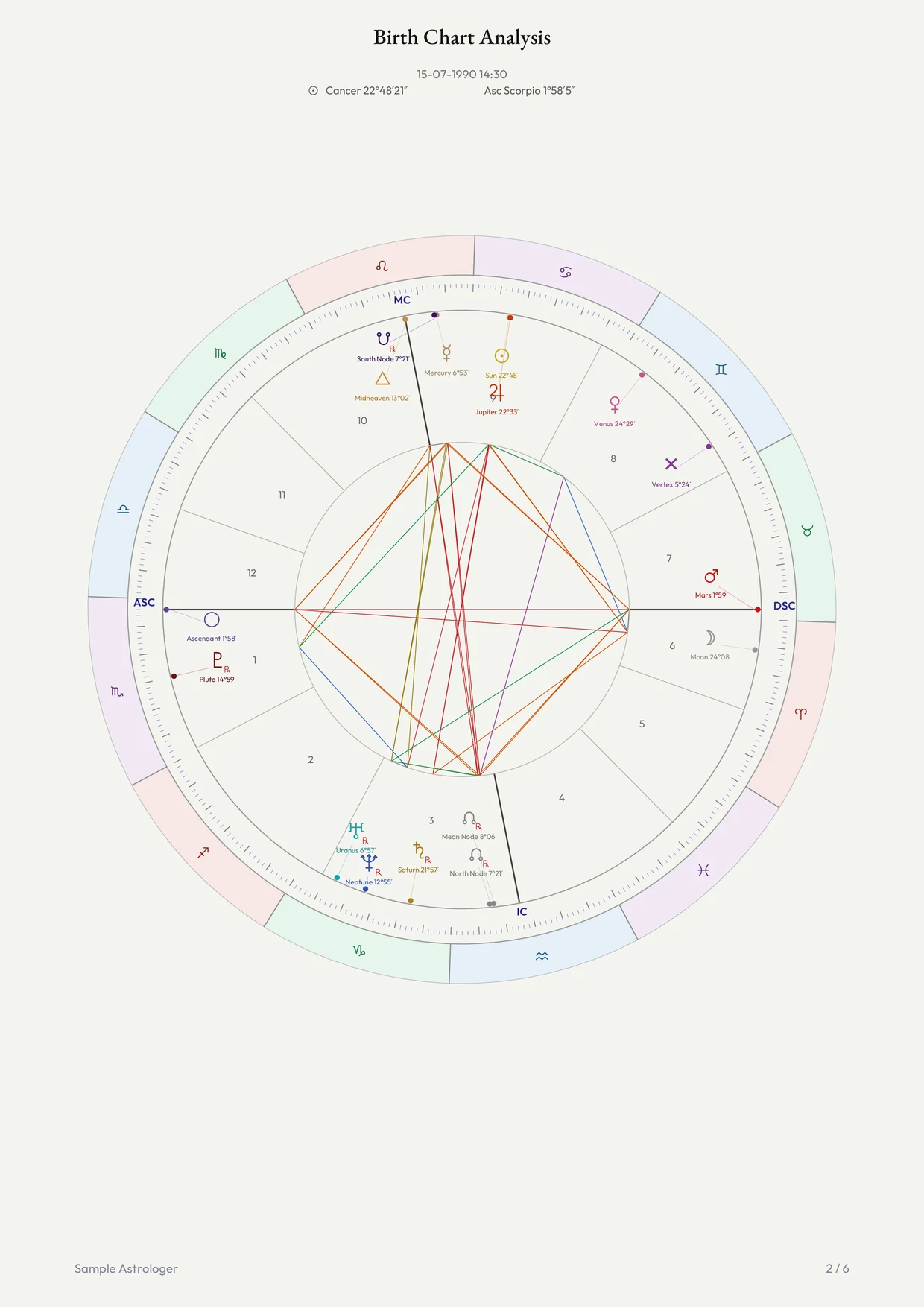
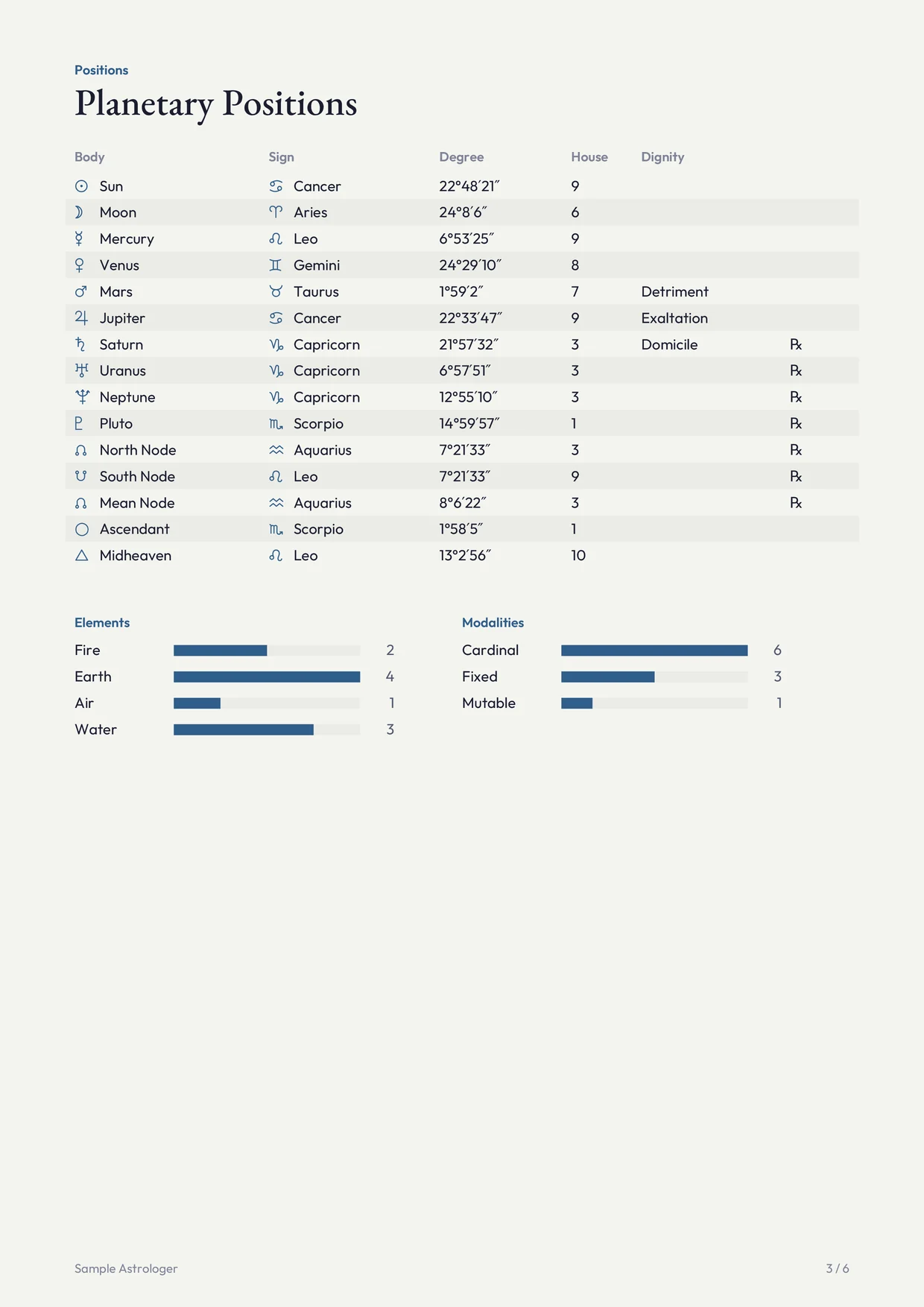
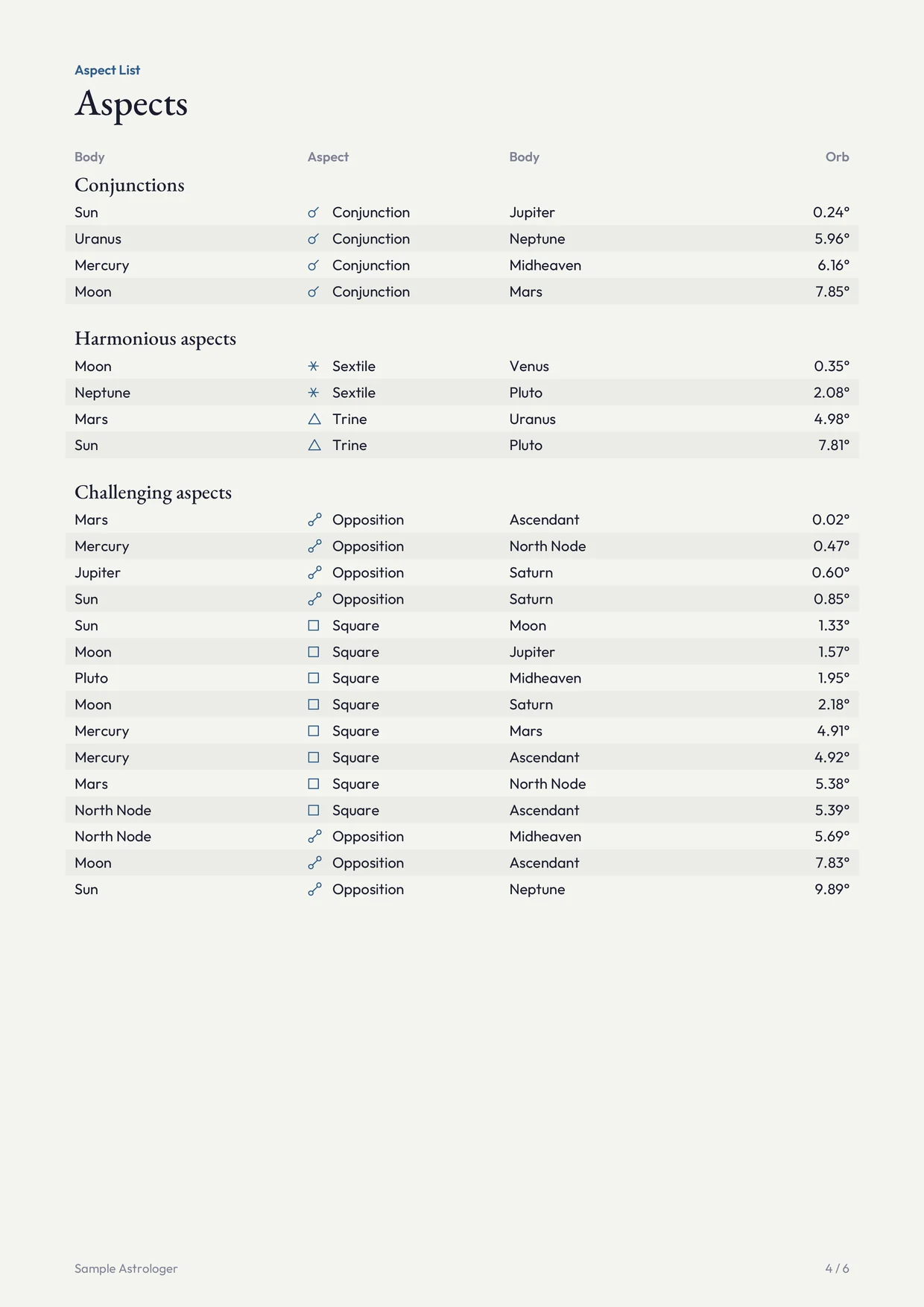
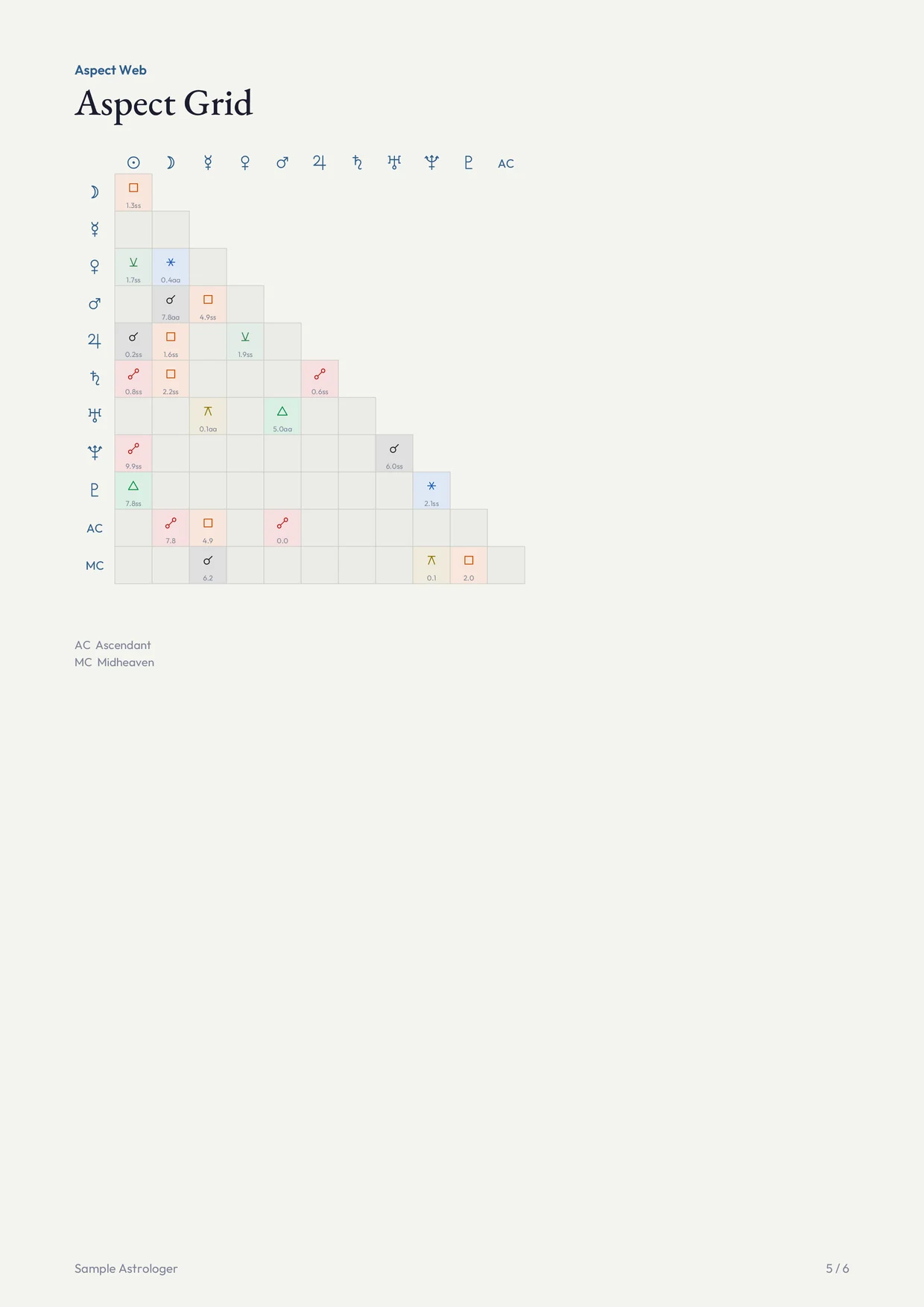
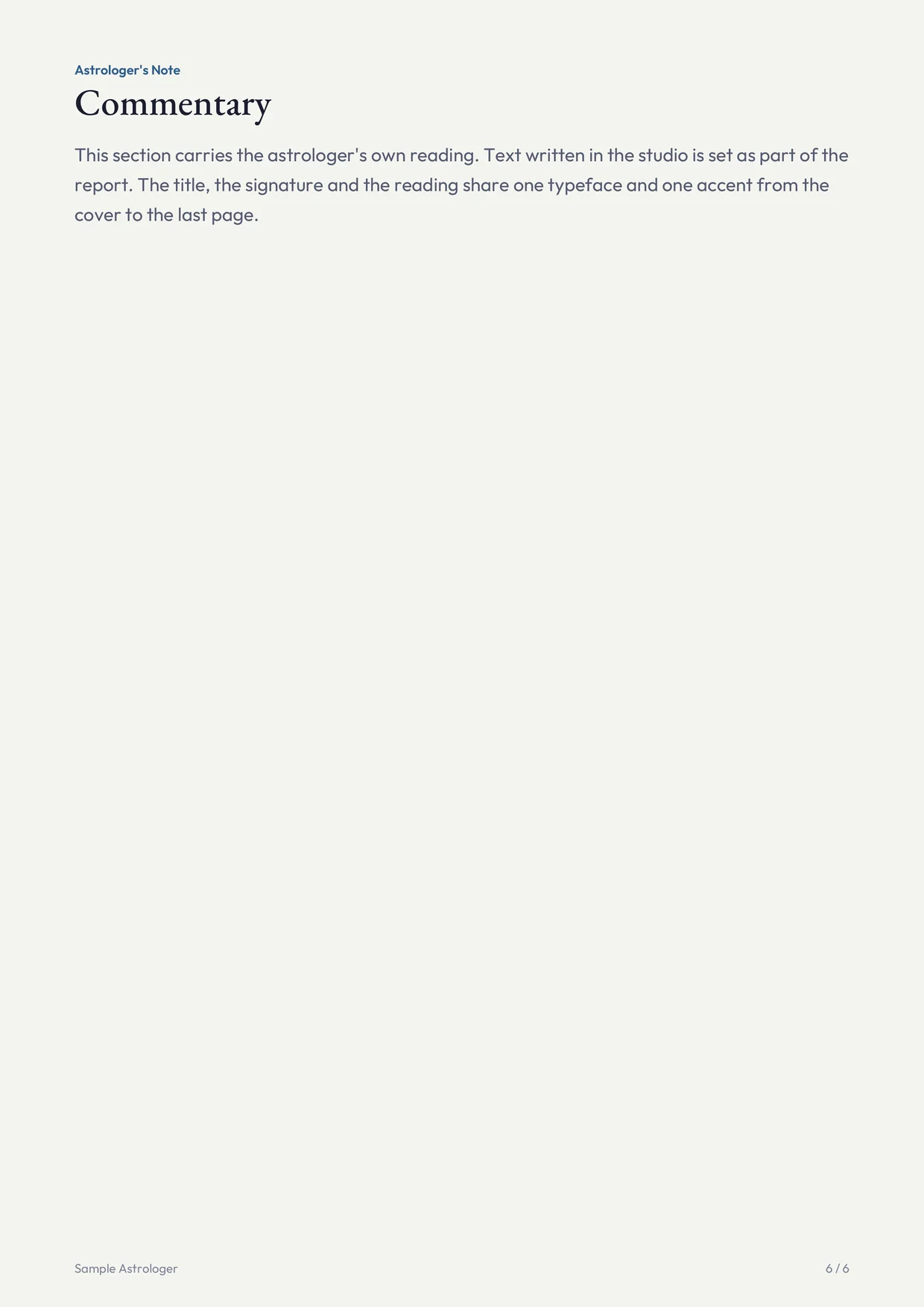
Light and dark themes, the accent colour and the paper size are chosen in the studio. The typeface is one and does not change.
The sample pages were drawn on 23 Nov 2026 with the report's current layout.
Arrange your sections and add your title, signature and reading. Create your print-ready PDF.
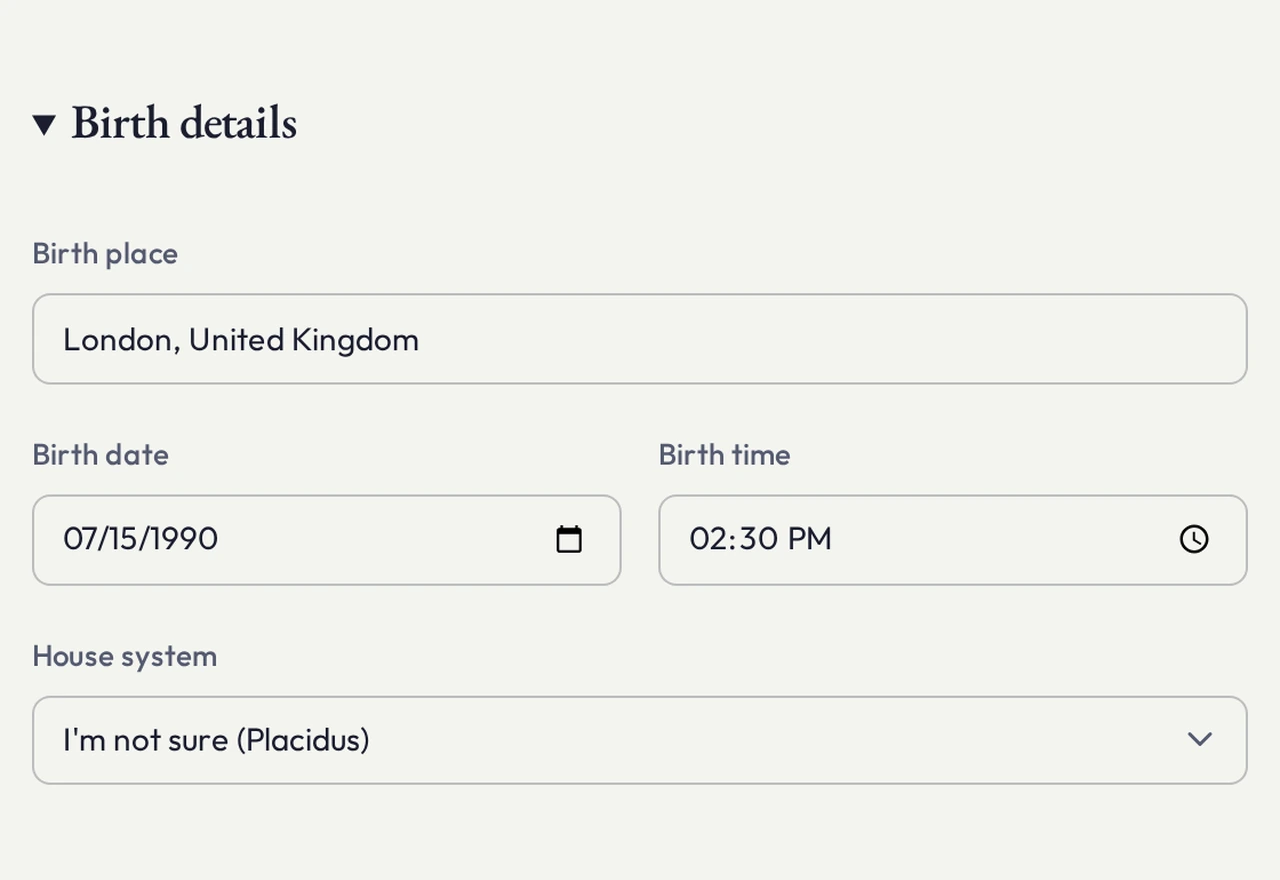
Set the date, time and place. An unknown birth time cannot give certain houses or an ascendant.
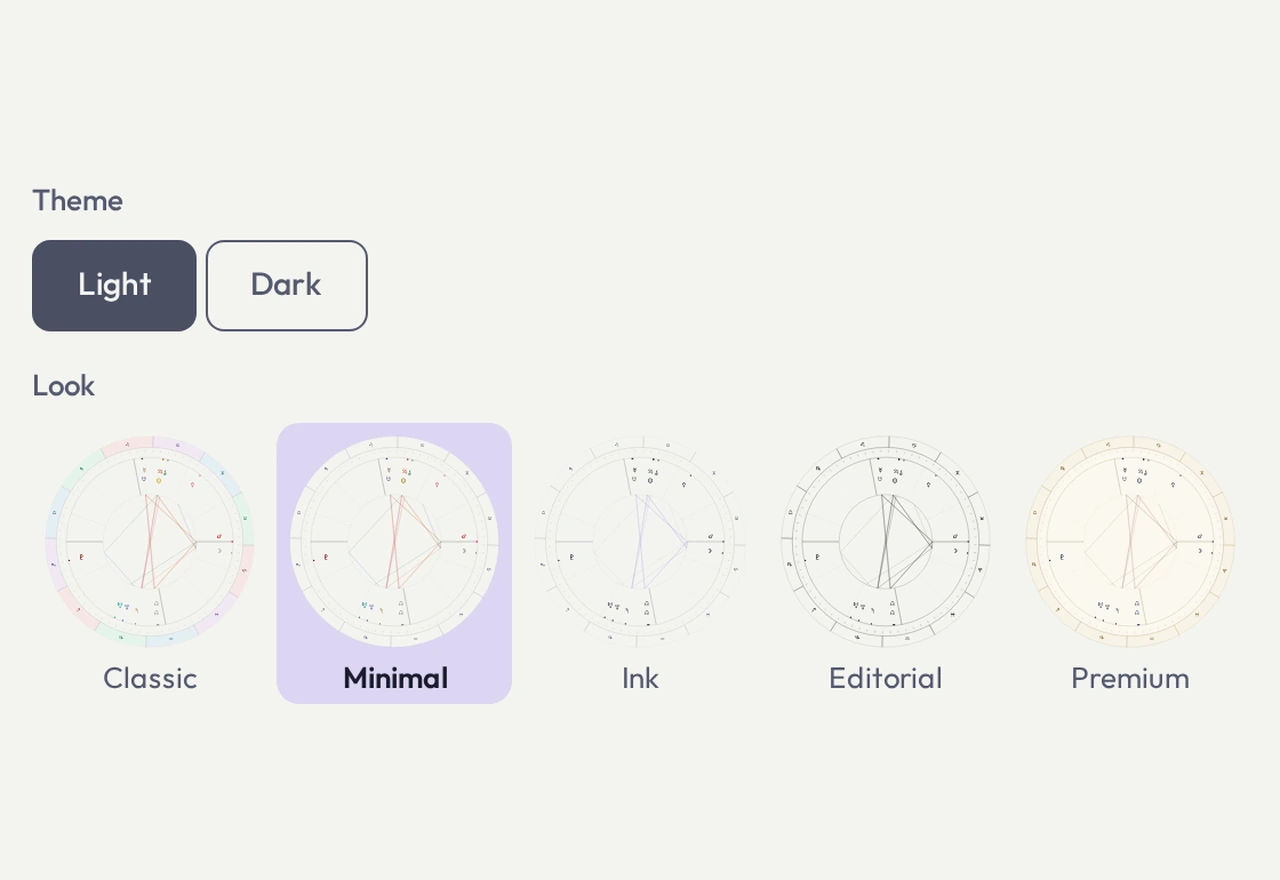
Choose a theme, colours and visible parts. Logos and unwatermarked outputs require the relevant entitlement or credits.
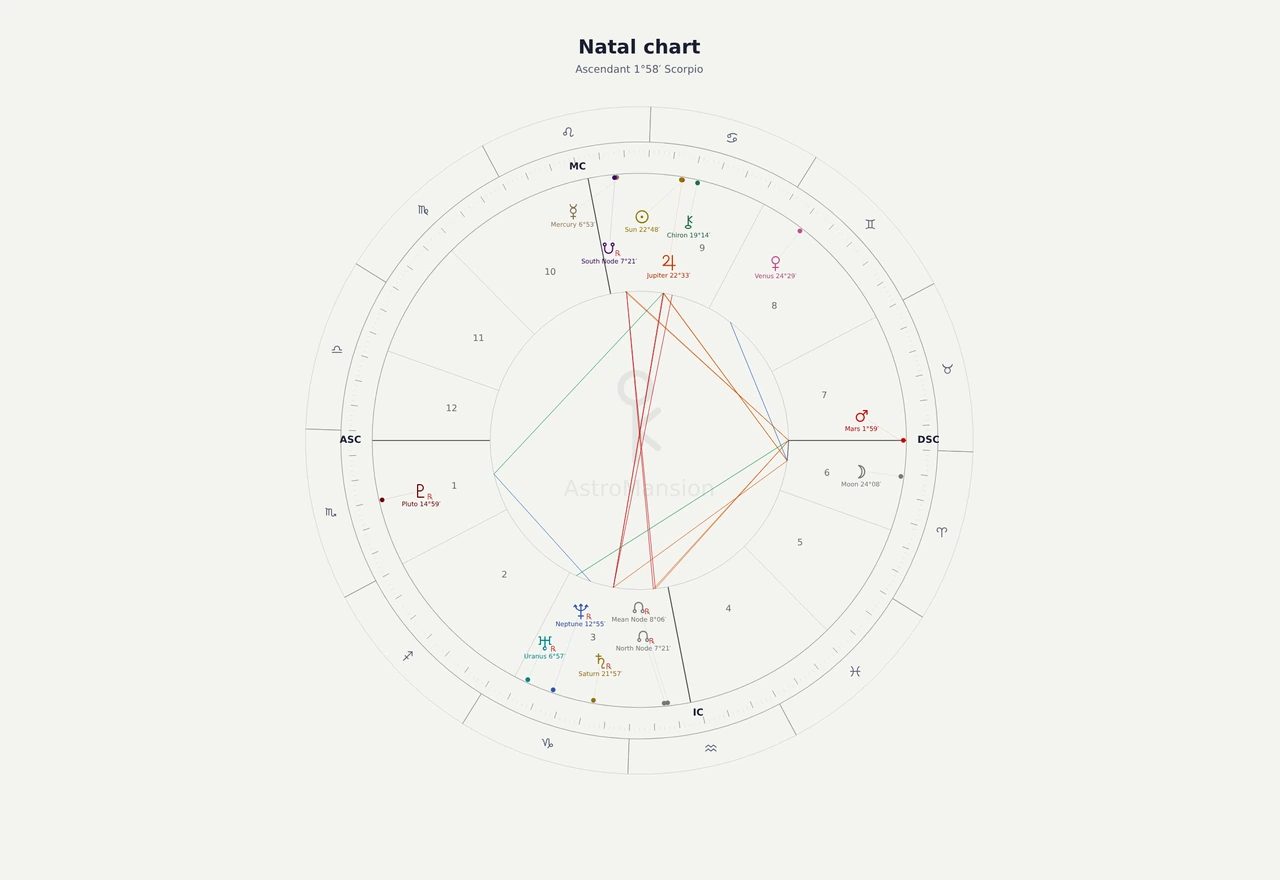
Preview the wheel. For a PDF, use Report Studio on the same page to choose sections, paper size and your own text.
PDF subscriptions start with Basic. Credits produce the same report.
One balance for PDF reports and watermark-free or personal-logo charts. No subscription required.
Your credits do not expire.
There is no sign-up form. Enter the email address you paid with, type the code it receives, and your credits open.
These links open the tools with explicitly identified example inputs. Replace them with your own client’s data.
The sample PDF is a natal report. Other techniques open their own result screens. They do not all offer this PDF layout or automatic interpretations.
See all toolsThe accuracy report gives deviations of local NASA JPL positions against the NASA JPL Horizons reference, query conditions and downloadable data. It also identifies what was not measured.
Inspect position measurements and limitsThe sample PDF includes a cover, chart, placements, aspects and user-authored text. Accurate positions do not establish the validity of an astrological interpretation or predict that an event will occur.
Terms of useThe unbranded-report entitlement on Pro and above, or an eligible credit-funded output, enables the supported logo option. Report Studio and the download area show your entitlement and credit cost before the operation. Free images carry the AstroMansion watermark.
Depending on your selected sections, a cover, natal wheel, planet and house tables, aspect table and your own text. The text at the end of the sample was written for demonstration. It is not presented as an automatic personal interpretation.
You can prepare client reports with the branding options covered by your plan or purchased output entitlement. You must have the necessary permission or legal basis for another person’s birth data. This does not grant permission to resell source code, the brand or API keys. The terms of use apply.
The tool directory lists available techniques, including natal charts, synastry and returns. Each tool shows its own results and method limits. Report Studio prepares the natal PDF previewed on this page. API scope depends on your plan.